Introduction: The Portfolio as a Sales Funnel
As a web developer, your portfolio website is the single most important asset in your career. It is not merely a digital resume or a collection of links to old GitHub repositories; it is a high-converting sales funnel designed to turn cold visitors (recruiters, hiring managers, or freelance clients) into warm leads.
In 2026, the standard for developer portfolios has risen dramatically. With thousands of entry-level engineers entering the market, a basic, template-based portfolio built on standard templates will simply be ignored.
To stand out, your portfolio must be fast, visually stunning, fully accessible, and packed with high-value interactive elements that instantly prove your technical competence.
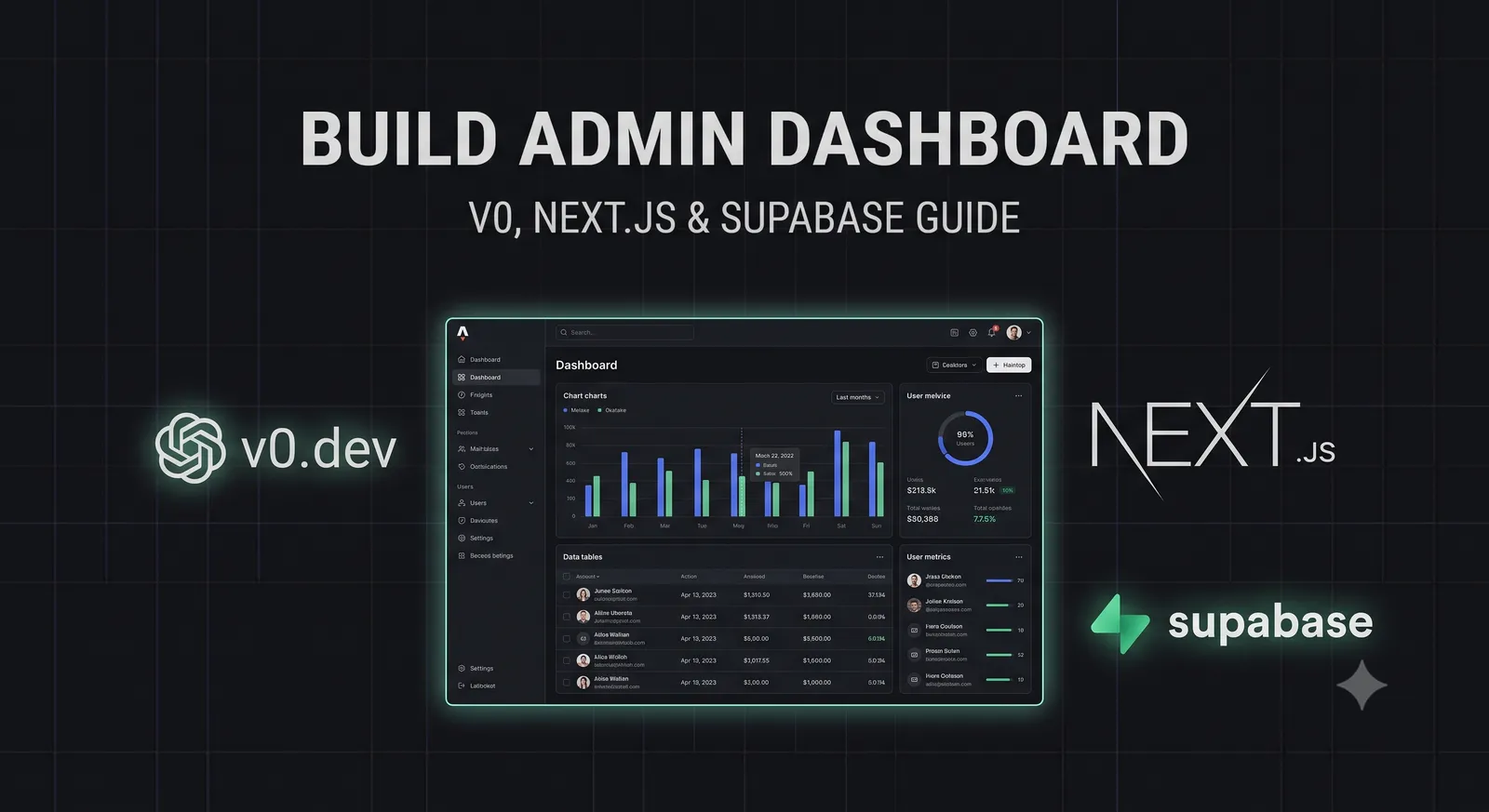
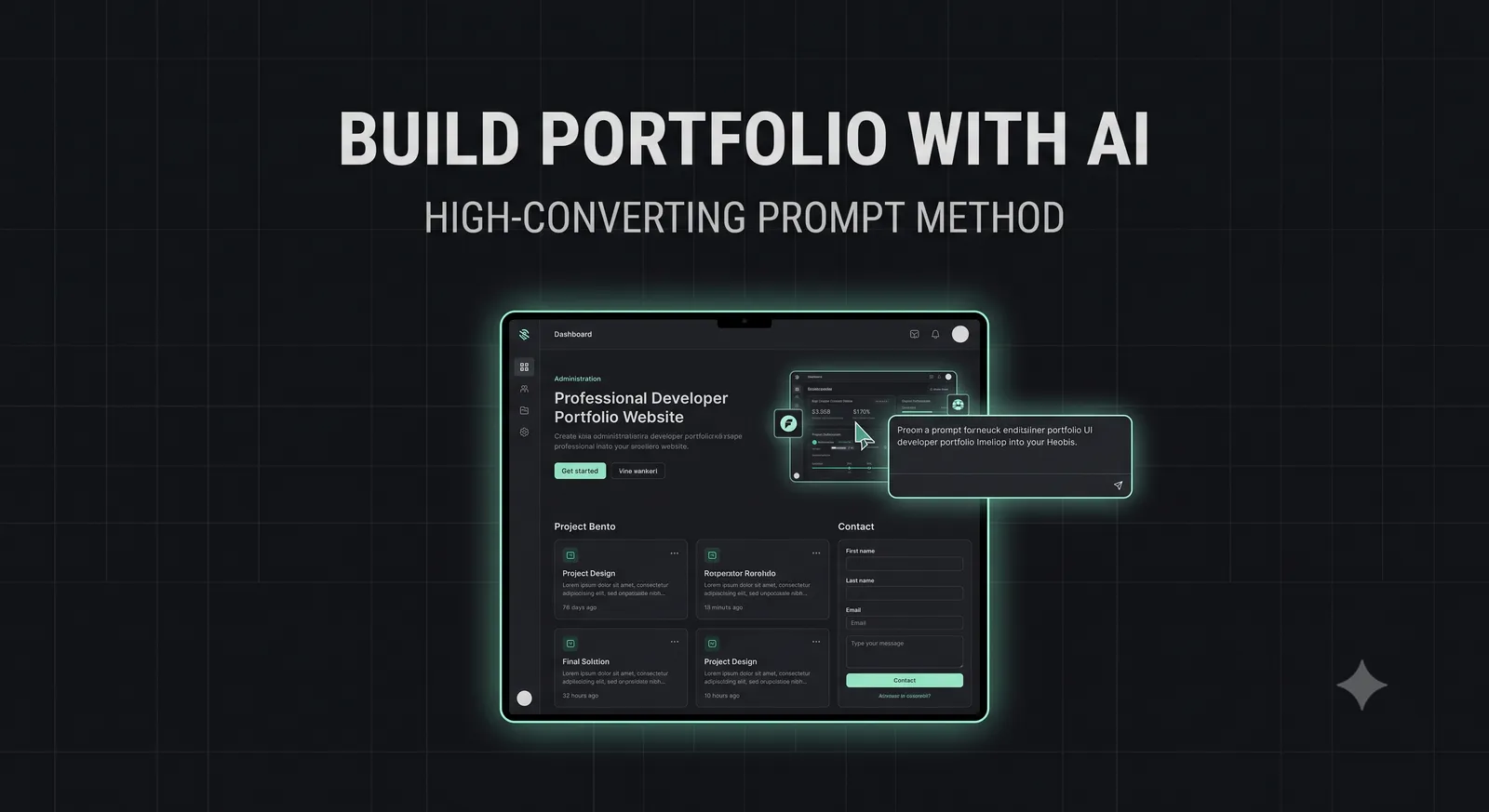
Historically, building a custom portfolio of this caliber required weeks of tedious design and coding. Today, by leveraging state-of-the-art generative UI systems (like v0.dev) and AI coding assistants (like Cursor or Claude Code), you can build a world-class portfolio in a single afternoon.
The key to success lies in your prompts. If you feed an AI a generic prompt, you will receive a generic, uninspired website.
In this guide, we will reveal the High-Converting Prompt Method: a structured, engineering-focused prompt formula that directs AI models to build highly customized, high-performance, and high-converting developer portfolios from scratch.
The Portfolio Trap: Why Most Developer Sites Fail
Before we write our prompts, we must analyze why traditional developer portfolios fail to convert visitors:
- The "Me, Me, Me" Focus: Most portfolios focus entirely on what the developer wants to show, rather than what the client or recruiter wants to see. A high-converting portfolio immediately addresses the visitor's pain points.
- Static, Boring Projects: Simply showing screenshots of static websites does not prove you can write production-grade code. You must showcase *interactive* proof.
- Poor Web Performance: If your portfolio takes more than 2 seconds to load due to heavy images or unoptimized JavaScript, 50% of your visitors will bounce before seeing your work.
The High-Converting Prompt Formula
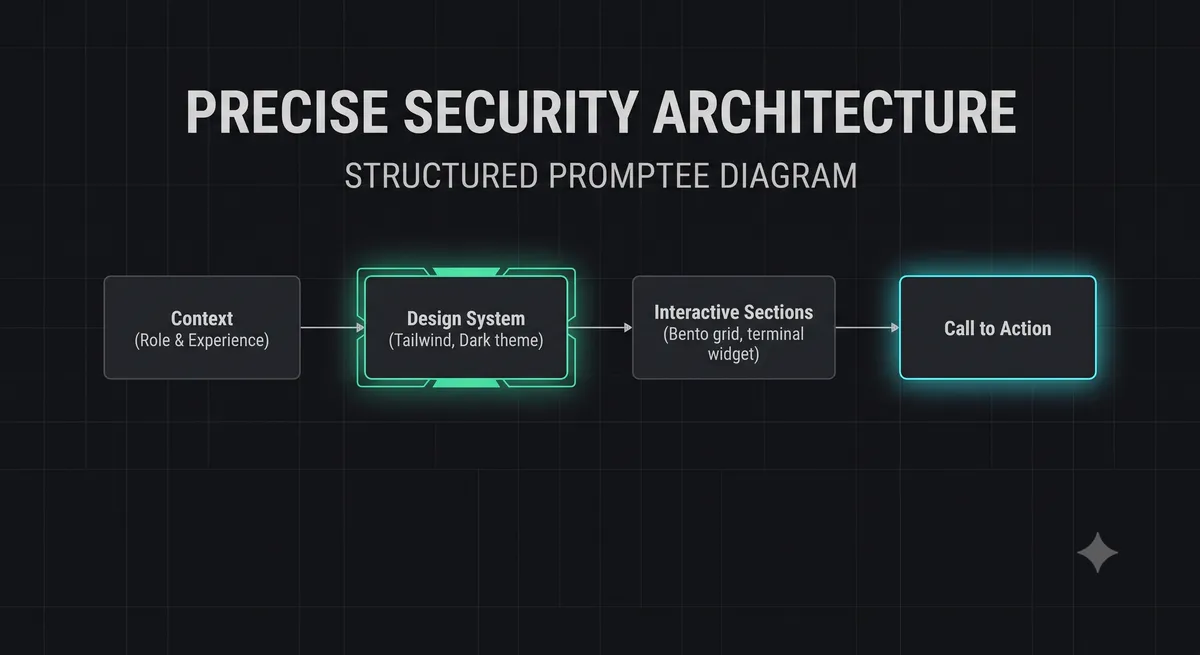
The High-Converting Prompt Formula is structured into four distinct, mandatory layers that eliminate AI hallucination and guarantee a professional, customized output:
- Context & Role: Define the exact engineering persona and target audience (e.g., "You are an elite Senior Frontend Engineer building a portfolio to attract high-paying SaaS startup contracts").
- Design System & Aesthetics: Specify the exact color palette, spacing, typography, and visual theme (e.g., "Dark zinc theme, Inter sans-serif font, JetBrains Mono for code elements, neon-indigo accents, clean developer aesthetic, no emojis").
- Semantic Structure & Sections: List the exact sections in order, specifying their layout and content (e.g., "Announcement bar, Sticky Header, Hero with large headline, Project Bento Grid, Interactive Terminal Widget, Contact Form, Footer").
- Behavioral Constraints: Enforce performance, responsiveness, and clean code rules (e.g., "All CSS and JS must be embedded, use Tailwind CSS utility classes, ensure 100% mobile responsiveness, implement client-side validation for the contact form").
The Master Prompt Template
Copy the following master prompt template and paste it into v0.dev or your preferred AI coding assistant to generate your portfolio's base structure:
Build a complete, professional, dark-themed developer portfolio website.
Follow this strict design system and structure:

DESIGN SYSTEM:
- Background color: #09090b (deep dark zinc)
- Text colors: #f4f4f5 (primary), #a1a1aa (secondary)
- Accent color: #6366f1 (neon indigo) with hover state #4f46e5
- Typography: Inter (sans-serif), JetBrains Mono (monospace)
- Aesthetic: Clean developer, zero-noise, absolutely no emojis
- Mobile responsiveness: 100% responsive, fluid grid layouts

SECTIONS IN ORDER:
1. STICKY HEADER: Left-aligned logo '[your_name]', center navigation (Projects, Experience, Contact), right-aligned CTA button 'Hire Me'.
2. HERO SECTION: Full-viewport height. Left side: Large bold headline 'I build high-performance, secure web applications that scale.' Subtext explaining your expertise in Next.js, Supabase, and performance optimization. Two CTA buttons ('View Work', 'Contact Me'). Right side: A highly polished, interactive overlapping card carousel showcasing 3 project previews.
3. PROJECT BENTO GRID: An asymmetric grid displaying 4 featured projects. Each card must feature a category tag, project title, descriptive outcome, tech stack badges, and a 'View Live' link. One large card must span 2 columns.
4. INTERACTIVE CODE SNIPPET WIDGET: A dark, terminal-style widget displaying a real, useful code snippet (e.g., a custom React hook or API route) with syntax highlighting and a fully functional 'Copy Code' button.
5. CONTACT SECTION: Split layout. Left side: Headline 'Let's build something together' with your email and social links. Right side: A clean, interactive contact form with client-side validation (Name, Email, Message) and a success toast notification on submit.
6. FOOTER: Dark, minimalist footer with copyright 2026 and quick links.

BEHAVIORAL CONSTRAINTS:
- All CSS and JS must be embedded in a single file.
- Use Tailwind CSS via CDN for rapid, clean styling.
- Ensure all interactive elements (mobile menu, hero carousel, copy button, contact form) are 100% functional using pure, vanilla JavaScript.
Implementing High-Value Interactive Features
To make your portfolio truly unforgettable, instruct your AI assistant to build custom, client-side interactive tools directly into the page.
For example, you can embed a lightweight version of our interactive .gitignore Generator or a terminal-style interactive mock shell.
Here is the vanilla JavaScript code to implement a fully functional, terminal-style interactive shell that visitors can play with to explore your resume:
// Terminal-style resume explorer
const terminalInput = document.getElementById('terminal-input');
const terminalOutput = document.getElementById('terminal-output');

const commands = {
  help: 'Available commands: about, skills, projects, contact, clear',
  about: 'Alex Rivera — Senior Frontend Engineer specializing in Next.js performance.',
  skills: 'React, Next.js, TypeScript, Tailwind CSS, Supabase, PostgreSQL, Docker',
  projects: '1. The Byte 404 (Tech Blog) | 2. HTTP Status Lookup | 3. Regex Tester',
  contact: 'Email: alex@the-byte-404.com | GitHub: github.com/alexrivera'
};

terminalInput.addEventListener('keydown', (e) => {
  if (e.key === 'Enter') {
    const rawInput = terminalInput.value.trim().toLowerCase();
    const line = document.createElement('div');
    line.className = 'mt-1 font-mono text-xs';

    if (rawInput === 'clear') {
      terminalOutput.innerHTML = '';
      terminalInput.value = '';
      return;
    }

    if (commands[rawInput]) {
      line.innerHTML = `$ ${rawInput}${commands[rawInput]}`;
    } else {
      line.innerHTML = `$ ${rawInput}Command not found. Type "help" for a list of commands.`;
    }

    terminalOutput.appendChild(line);
    terminalInput.value = '';
    terminalOutput.scrollTop = terminalOutput.scrollHeight;
  }
});
Refining the UI with AI: Iterative Prompting
Generative UI models rarely produce a perfect, final product on the first attempt. Once the base structure is generated, use iterative prompting to refine the user experience:
- Refining Spacing: "The spacing between the Hero section and the Bento Grid feels too tight on mobile. Increase the padding to
py-16 md:py-24." - Adding Micro-Interactions: "Add a subtle hover scale effect (
hover:scale-[1.02] transition-transform duration-200) to all cards in the Bento Grid." - Optimizing Accessibility: "Ensure all interactive buttons have explicit
aria-labelattributes and focus states (focus-visible:ring-2 focus-visible:ring-indigo-500) for keyboard navigation."
One-Click Deployment & Performance Auditing
Once your portfolio's HTML, CSS, and JS are complete, deploy it instantly using a modern, global edge network:
- Create a new, private repository on GitHub and push your
index.htmlfile. - Log in to Vercel or Netlify, click "Add New Project", and import your repository.
- Click "Deploy". Your portfolio is now live on a global CDN.
After deployment, run a Lighthouse Audit in Google Chrome. If you followed our zero-noise, embedded CSS/JS constraints, your site should score a 100/100 across Performance, Accessibility, Best Practices, and SEO.
Conclusion: Build Your Funnel Today
By shifting your perspective from a passive resume to an active sales funnel, and utilizing the High-Converting Prompt Method, you can build a world-class portfolio that commands attention and converts visitors into clients.
Don't let legacy templates hold your career back. Open your AI editor, paste the master prompt template, and launch your high-converting portfolio today.
To discover the best platforms to showcase your new portfolio, check out our guide on the 7 Best Unsaturated Freelance Platforms, or use our interactive JSON Formatter & Validator to ensure your portfolio's structured data is perfectly formatted.