Understanding how these tools genuinely reshape behavior, and where they fall short, makes it much easier to decide whether they're worth keeping on your home screen.
What Screen Time Apps Are Actually Measuring
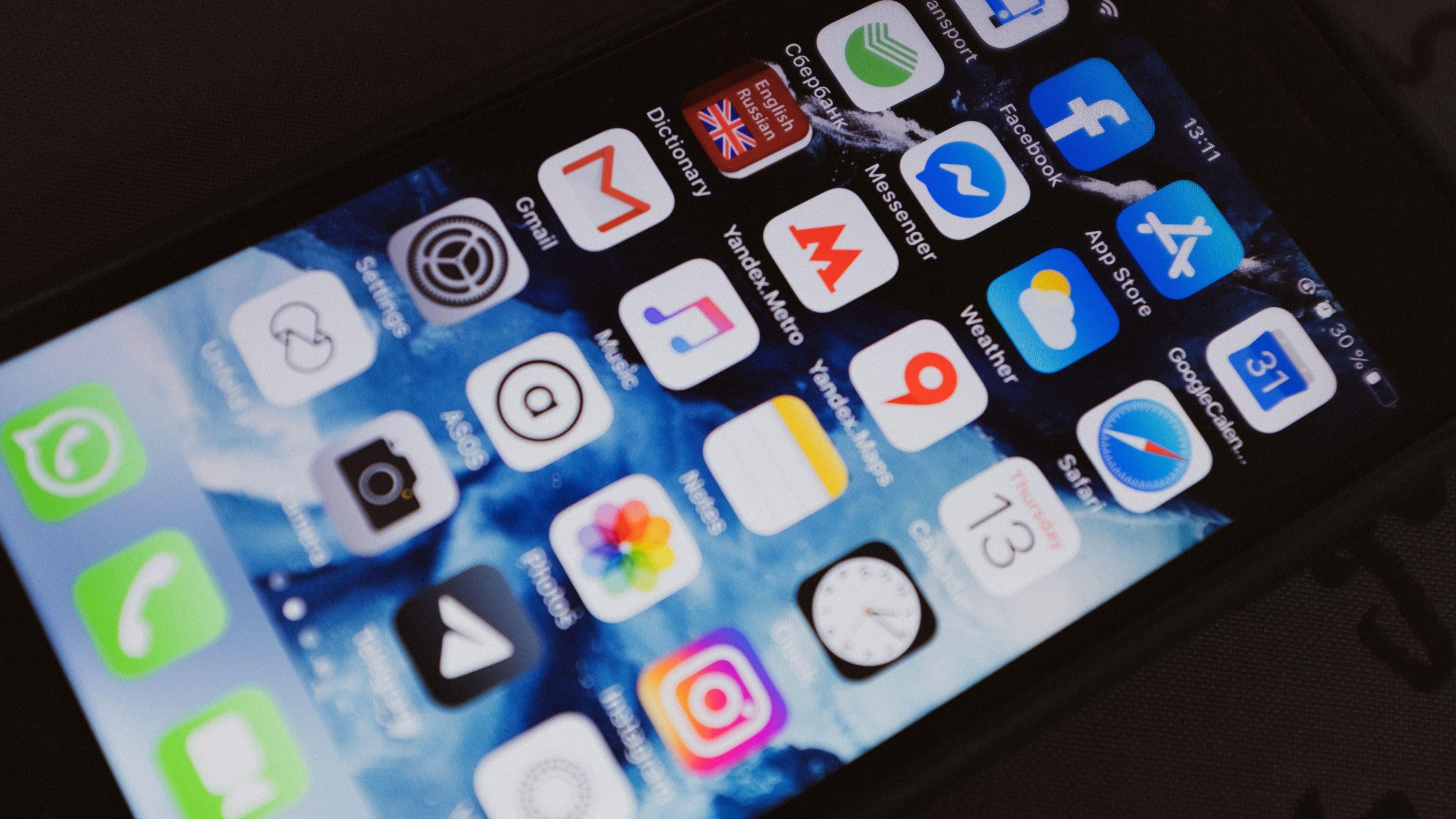
Apple's Screen Time and Google's Digital Wellbeing both work the same basic way: they log how long each app stays open and active, then compile that into daily and weekly totals. Some third-party apps add extra layers, like tracking how many times you unlock your phone or how long you go between pickups. None of them measure intention. They can tell you that you spent ninety minutes on social media, but not whether that time felt worthwhile or wasted.
That distinction matters because the number itself rarely changes behavior. What changes behavior is the moment someone actually reads the number and feels a small jolt of surprise – "I didn't realize it was that much." Behavioral researchers call this the mere-measurement effect: simply observing a behavior can nudge it, even without any other intervention, because attention itself has a small corrective pull.
Why Awareness Alone Only Goes So Far
The mere-measurement effect explains why screen time apps produce a short burst of improvement right after installation, followed by a slow drift back toward old habits. The novelty of seeing the data wears off, and unless something else reinforces the new awareness, phone use tends to creep back to its previous baseline within a few weeks.
This is the pattern seen in most published field studies on phone-use interventions: an initial dip in usage, then a partial rebound. It doesn't mean the tools failed. It means awareness is a starting point, not a complete strategy, and the apps that pair tracking with actual friction tend to hold their gains longer.
The Role of Friction: App Limits and Downtime
The features that actually change habits over time are usually the ones that add friction rather than just information. App limits, which lock you out of a chosen app once you hit a daily cap, work by interrupting the automatic reach-for-your-phone loop at the exact moment it would normally continue uninterrupted. Downtime schedules, which gray out or block most apps during set hours, work similarly by removing the option entirely rather than relying on in-the-moment self-control.
Both features lean on a well-documented principle: humans are much better at avoiding a temptation before it starts than resisting it once it's already in front of them. A locked app icon does more behavioral work than a chart ever could, because it removes the decision rather than asking you to make a better one under pressure.
Where These Apps Fall Short
Screen time tools have real limits worth knowing before you build your whole strategy around them. Most are easy to override – a tap or two bypasses an app limit for "just five more minutes," and that override option undercuts the friction the feature was designed to add. They also can't distinguish between passive scrolling and active, useful screen time, like using your phone for navigation, work messages, or a video call with family.
There's also a social dimension the apps don't capture. Phone use is often tied to habits shared with other people – group chats, shared photo albums, gaming with friends – and no amount of individual limit-setting changes the pull of a conversation others are actively having without you.
Getting More Out of the Tools You Already Have
If you're going to use a screen time app, treating it as a diagnostic tool first and a restriction tool second tends to produce better results than jumping straight to strict limits. Spend the first week just observing the data without changing anything, so you have an honest baseline instead of a number distorted by trying to perform good behavior for the tracker.
From there, target specific apps rather than your phone as a whole. Blanket restrictions are easy to resent and easy to override; a firm limit on one or two apps that genuinely eat your time is easier to sustain and harder to argue your way around. Pairing an app limit with a small physical change, like charging your phone outside the bedroom, tends to outperform either change made on its own, since it removes both the software and the physical trigger at the same time.
The Bigger Picture
Screen time apps aren't a cure for compulsive phone use, and they were never designed to be one. What they're good at is making an invisible habit visible, and occasionally adding enough friction to interrupt it. The people who get real value from them are usually the ones who treat the weekly report as information to act on, not just a number to glance at and dismiss.
Your relationship with your phone won't change because an app tells you how bad it's gotten. It changes when that information leads to one specific, sustained adjustment – and the tools work best when you remember that's their actual job.
📚 Sources
Apple – "Set up Screen Time for yourself on iPhone" – https://support.apple.com/guide/iphone/set-up-screen-time-iph7fc4703b/ios
Google – "Digital Wellbeing" – https://wellbeing.google/