What a VPN Actually Does
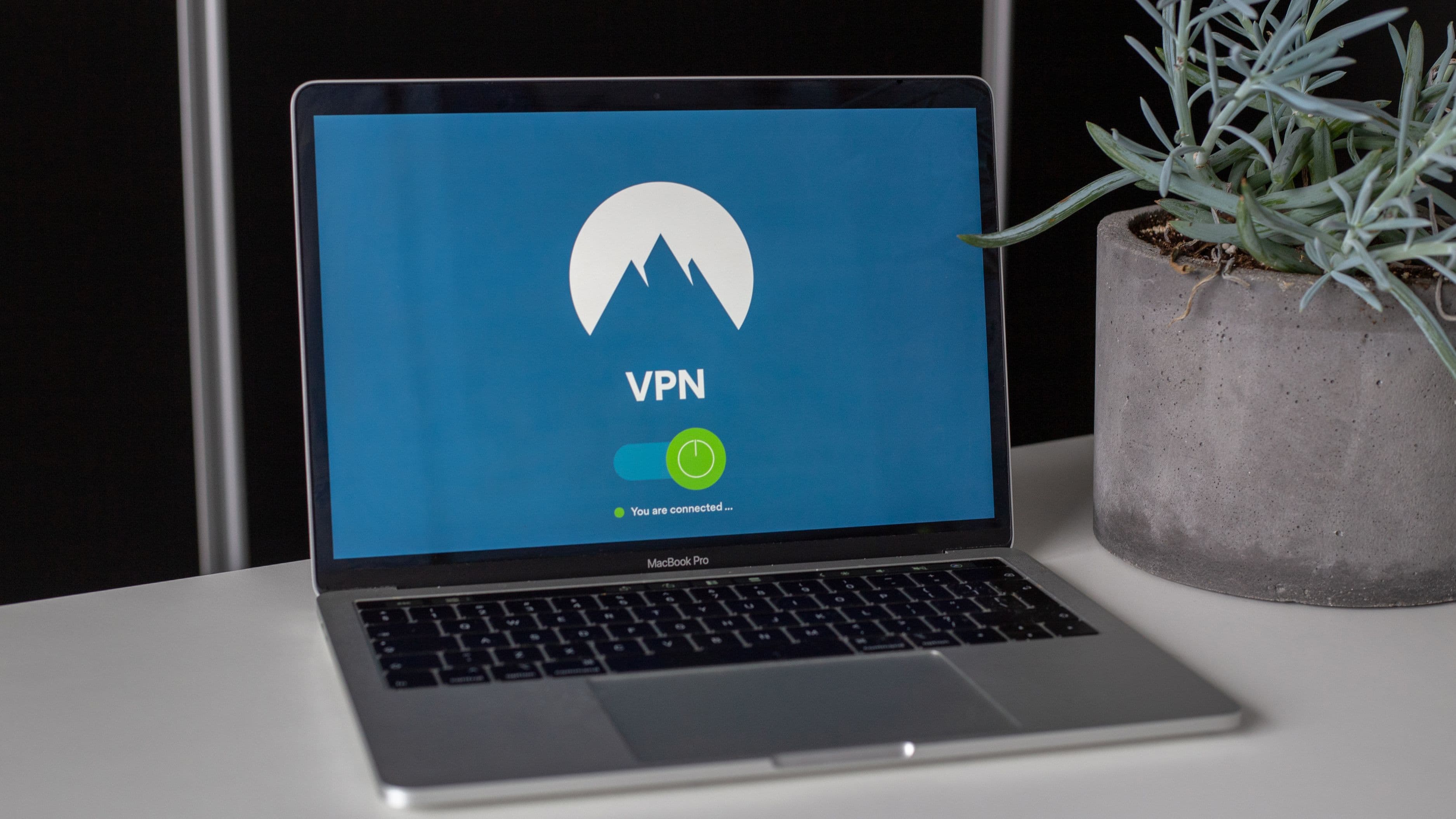
A VPN, or virtual private network, encrypts the traffic between your device and the VPN provider's server, then routes your internet activity through that server before it reaches its final destination. On a public network, this matters because it prevents someone else on that same network – or the network operator itself – from easily intercepting and reading your unencrypted traffic, a technique sometimes called packet sniffing.
Without a VPN, on an unsecured public network, certain types of unencrypted traffic could theoretically be visible to someone else on the same network with the right tools. A VPN closes that specific gap by wrapping your traffic in encryption before it leaves your device.
Why This Made Public Wi-Fi Genuinely Risky in the Past
A decade or more ago, a meaningful portion of web traffic wasn't encrypted by default, meaning that on an open public network, login credentials, messages, or browsing activity could genuinely be intercepted by someone else on the same network with relatively basic tools. This is where a lot of the "never use public Wi-Fi without a VPN" advice originated, and at the time, it was solid, important guidance.
Why the Picture Has Genuinely Changed
The vast majority of websites and apps now use HTTPS by default, which encrypts the connection between your device and that specific website regardless of the network you're on. This means that even without a VPN, a properly configured HTTPS connection to your bank, email, or most major apps is already encrypted in transit, significantly reducing the specific risk a VPN was originally designed to solve on public networks.
This doesn't mean public Wi-Fi is now entirely risk-free, but it does mean the danger is less severe and less universal than older warnings suggest. The browser padlock icon indicating HTTPS is a genuinely meaningful signal that your connection to that specific site is encrypted, VPN or not.
What a VPN Still Genuinely Helps With
Even with widespread HTTPS adoption, a VPN still provides real value in specific situations. It hides your browsing activity from your internet service provider and from the operator of the specific public network you're connected to, which matters for privacy even when the content itself is already encrypted. It also protects against certain more sophisticated attacks on poorly secured public networks, and it can mask your actual location and IP address, which has value beyond pure security in areas like accessing region-restricted content or reducing tracking.
For anyone connecting to sensitive systems – work networks, financial accounts, or handling confidential information – on a network you don't fully trust, a reputable VPN adds a genuine layer of protection worth having, even in an HTTPS-dominant world.
What a VPN Does Not Protect Against
A VPN doesn't protect you from a website itself being compromised, from malware you accidentally download, from phishing attempts that trick you into entering credentials on a fake site, or from a device that's already infected before you connect to the VPN. It also doesn't protect against social engineering, weak passwords, or a device with outdated software carrying known vulnerabilities.
This is an important distinction, because a VPN can create a false sense of total security that leads people to skip other genuinely important precautions – like keeping software updated, using strong unique passwords, and being cautious about what they click.
Choosing a VPN Worth Trusting
Not all VPNs are equal, and a poorly chosen or disreputable VPN provider introduces its own risk, since you're now routing your traffic through their servers instead of directly to the internet. Look for providers with a clear, independently audited no-logs policy, a transparent business model, and a track record of security practices rather than choosing based purely on price or aggressive advertising.
Free VPNs in particular deserve scrutiny – some free VPN providers have been found to log and sell user data, which defeats the entire purpose of using one for privacy in the first place.
Realistic Expectations
A VPN is one layer in a broader approach to staying safe online, not a single solution that makes any network completely risk-free. On public Wi-Fi specifically, the biggest remaining risks tend to be phishing, fake Wi-Fi networks impersonating a legitimate one, and general device security, rather than the traffic interception risk a VPN was originally built to solve.
What to Avoid
Avoid connecting to a network with a generic or suspicious name without confirming it's actually the legitimate network for that location – fake hotspots designed to look like a coffee shop or airport's real Wi-Fi are a genuine and ongoing risk, VPN or not.
Don't rely on a VPN as your only security measure. Keep your device's software updated, use unique strong passwords with a password manager, and enable two-factor authentication on important accounts regardless of whether you're using a VPN.
Avoid free VPN services without researching their actual privacy practices first – some free VPNs monetize by collecting and selling the exact data you're trying to protect.
FAQ
Do I still need a VPN if I only visit HTTPS websites? For basic browsing, the core encryption risk is largely addressed by HTTPS itself, but a VPN still adds privacy benefits and protects against a broader range of network-level risks.
Can a VPN slow down my internet connection? Yes, some slowdown is normal since your traffic is being routed through an additional server, though the impact varies significantly by provider and server location.
Is a company or work VPN the same thing as a consumer privacy VPN? Not exactly – a work VPN is typically designed to securely connect you to your employer's internal network and resources, while a consumer VPN is generally focused on general internet privacy and security.
Public Wi-Fi in 2026 isn't the wild west it once was, thanks to widespread HTTPS adoption, but a reputable VPN still adds a genuine layer of privacy and security worth having, especially for sensitive activity on networks you don't fully control.
📚 Sources
CISA: Securing Wireless Networks – https://www.cisa.gov/news-events/news/securing-wireless-networks
Electronic Frontier Foundation: HTTPS Everywhere – https://www.eff.org/https-everywhere
FTC: How To Safely Use Public Wi-Fi Networks – https://consumer.ftc.gov/articles/how-safely-use-public-wi-fi-networks