On-device AI changes that deal. It's a shift in where the computation actually happens, and it has meaningful consequences for privacy, speed, and the future of how personal technology works.
The Basics: Cloud vs. On-Device
To understand on-device AI, it helps to quickly understand what came before it. Most AI features – the kind powering voice recognition, photo tagging, smart replies, translation, and recommendation algorithms – have historically run in the cloud. Your device captures the input (your voice, a photo, your typing), sends it to a remote server, the server runs the model, and the result comes back to you. This works well at scale and lets companies run very large, capable models that would be impossible to fit on a phone.
The downside is that your data leaves your device. It travels over a network, gets processed by infrastructure you don't control, and in many cases gets retained or used to improve the model. For most features, users accept this without much thought. But for sensitive use cases – personal health data, private messages, financial information, biometric identification – the cloud model asks a lot from a privacy standpoint.
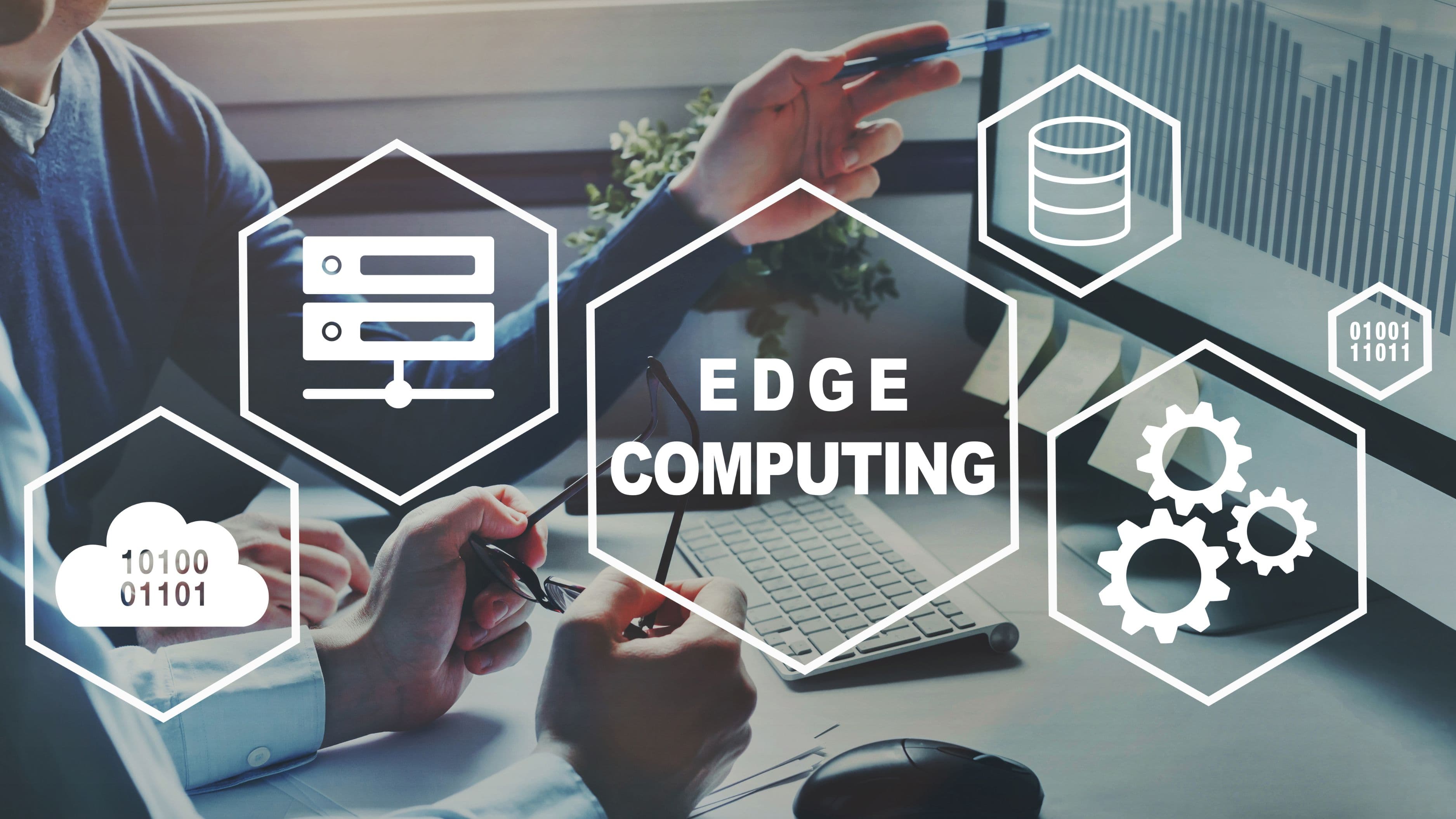
On-device AI runs the model locally, on the processor inside your device. Nothing leaves. The inference happens on your phone, laptop, or tablet, the result appears, and no data ever touches an external server. The privacy implication is direct: if the data never leaves your device, it can't be intercepted in transit, stored on a server, or accessed in a breach.
What Makes This Possible Now
Running AI models on a device is computationally expensive, and for most of the history of modern smartphones it simply wasn't practical for anything sophisticated. That's changed significantly over the last few years, driven by dedicated hardware.
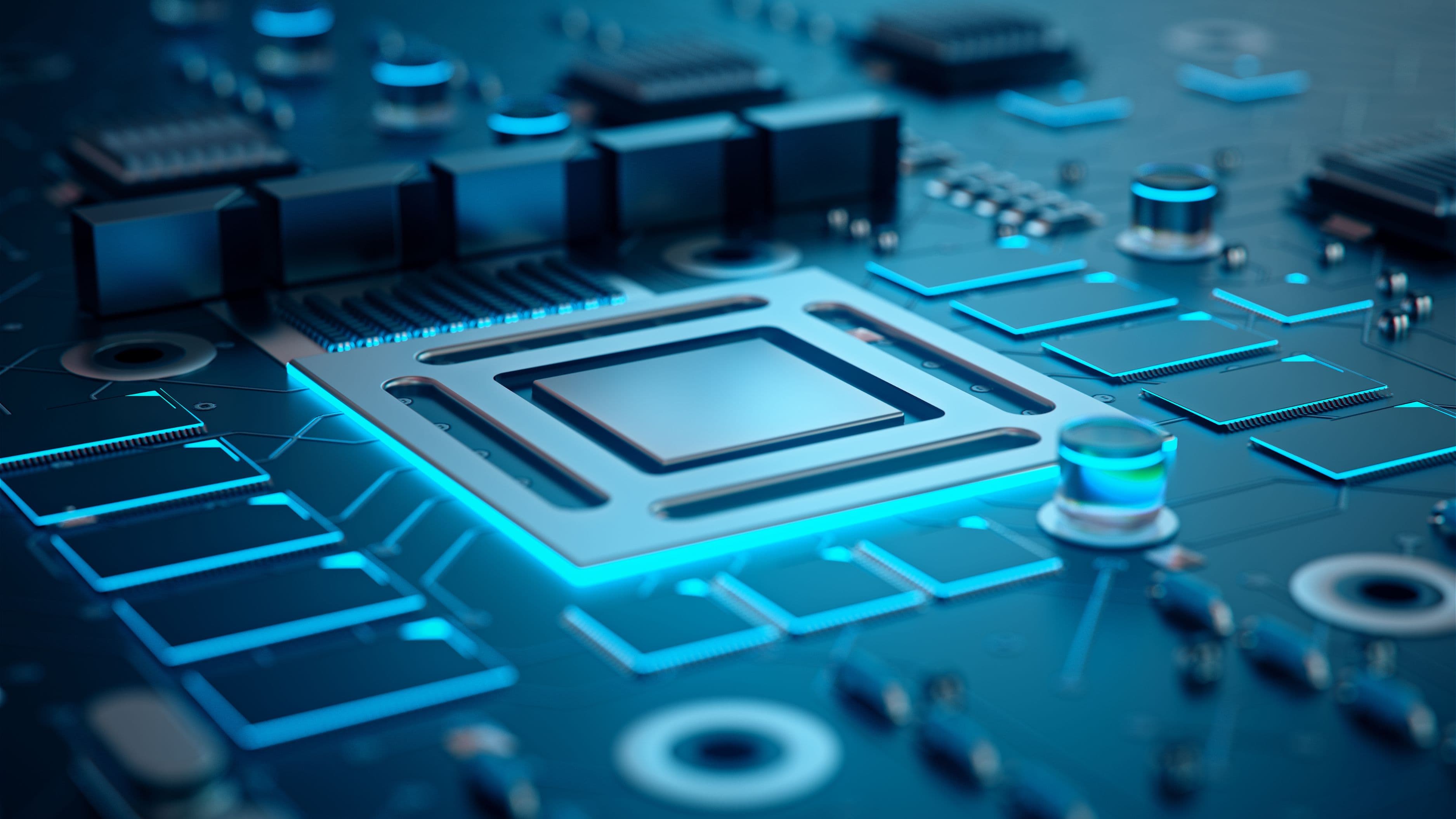
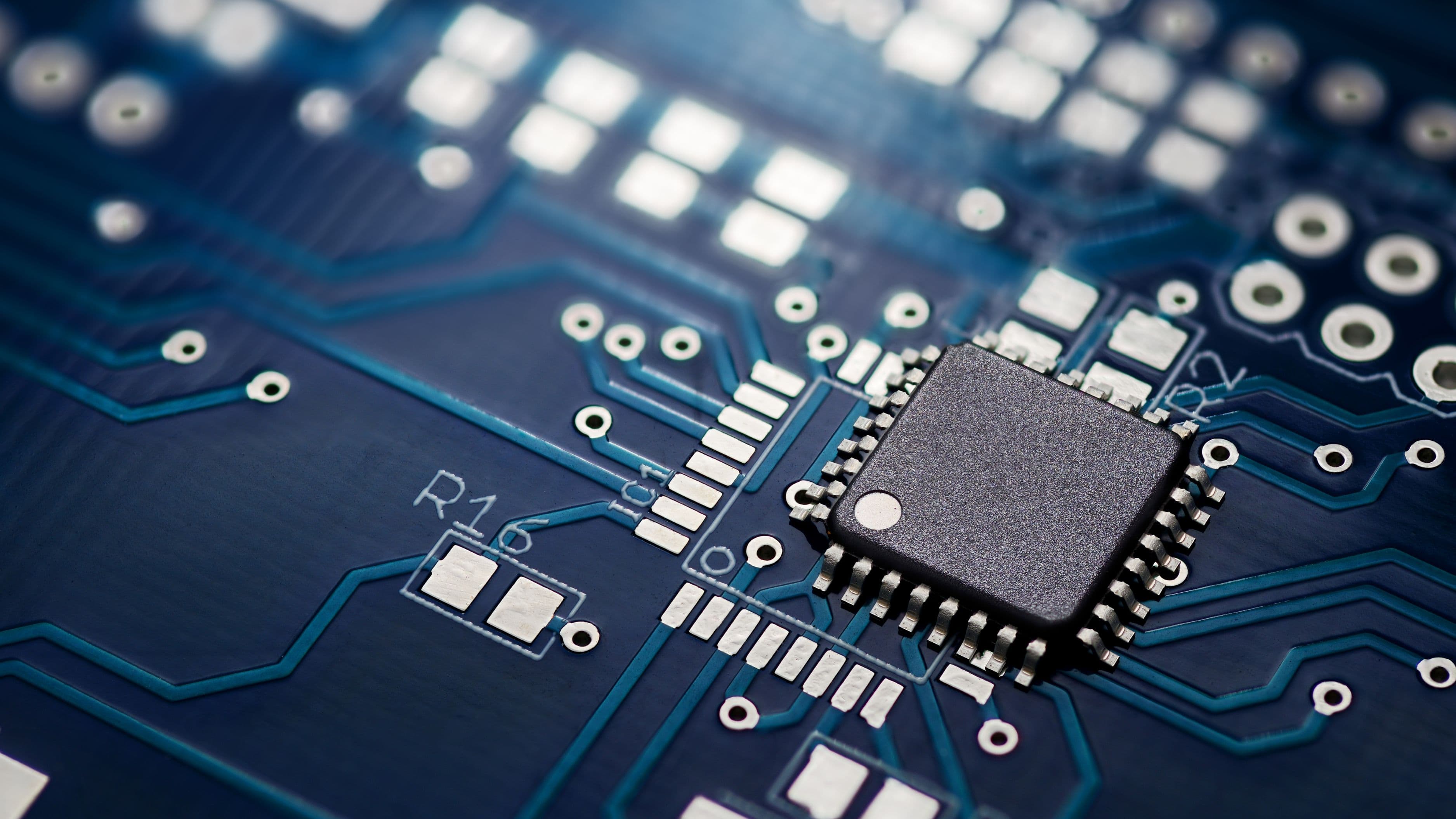
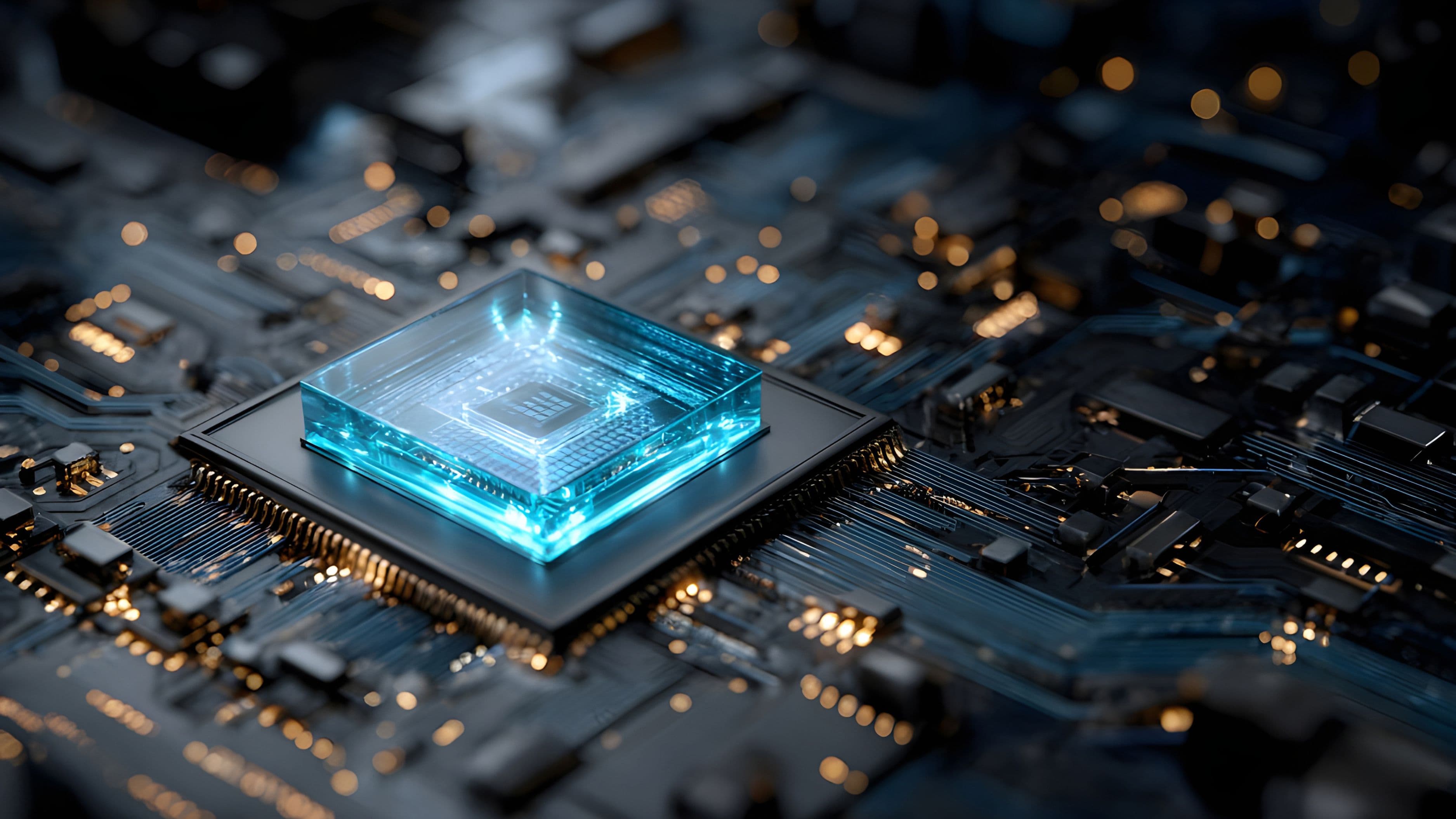
Apple introduced its Neural Engine with the A11 chip in 2017, a processor component specifically designed for machine learning tasks. Qualcomm has its Hexagon NPU built into Snapdragon chips. Google's Tensor chips power Pixel phones with on-device processing at their core. These neural processing units (NPUs) are purpose-built to run the matrix multiplications that machine learning depends on, and they do it far more efficiently than a general CPU or even a GPU.
The result is that modern flagship phones – and increasingly mid-range ones – have enough dedicated AI hardware to run surprisingly capable models locally. Simultaneously, the models themselves have gotten smaller and more efficient. Techniques like quantization (reducing the precision of model weights to shrink file size without gutting performance) and model distillation (training a smaller model to approximate a larger one) have made it possible to fit genuinely useful AI into a few gigabytes of storage.
Where You're Already Seeing It
On-device AI isn't theoretical – it's already running in tools you probably use every day, often without any indication that's what's happening.
Apple Intelligence processes many of its features entirely on-device, including writing tools, photo editing, personal context understanding, and Siri requests that don't require web lookups. Apple has been explicit about this architecture as a privacy feature, using it as a differentiator in how they market their hardware.
Google's Pixel phones run speech recognition, live translation, and several Recorder app features entirely locally. The on-device speech recognition model is fast enough that it works without a network connection, which is both a practical and a privacy benefit.
Face ID and fingerprint recognition on most modern smartphones have run on-device for years. Your biometric data is stored in a secure enclave – a protected area of the chip – and never leaves the device. This is on-device AI in its most established form.
Autocorrect and predictive text on both iOS and Android process your typing locally. The model learns your writing patterns without sending your keystrokes anywhere.
Photo search and categorization on iOS uses on-device models to identify faces, objects, locations, and scenes in your photos without uploading them to Apple's servers. Google offers a similar feature, though its implementation has historically involved more cloud processing.
Why Privacy Matters Here Specifically
The privacy case for on-device AI is stronger than it might initially seem, because the types of tasks being moved on-device tend to be the most sensitive ones.
Consider what on-device processing protects: the content of your messages, your voice while you speak to an assistant, your face and biometric data, your health and fitness patterns, your location history, your writing style and habits. These are the data categories that feel most personal and that have the highest potential for misuse if they end up somewhere they shouldn't.
Cloud processing of these inputs creates several distinct risks. Data in transit can be intercepted, though encryption makes this relatively unlikely with well-implemented systems. Data at rest on a server is vulnerable to breaches – and major platforms have had breaches. Data retained by a company can be subpoenaed, sold if the company is acquired, or repurposed in ways the original privacy policy didn't anticipate. And in some jurisdictions, data stored by a company is subject to government access requests that might not require user notification.
On-device processing eliminates most of these vectors. If the data never leaves your phone, a server breach doesn't expose it. A government request to the platform company can't produce data the company never received. Retaining or repurposing your data requires physical access to your device.
It's worth being clear that on-device AI isn't a complete privacy solution – the apps using these features can still collect behavioral data, and the models themselves were trained on data that came from somewhere. But as a structural protection for the most sensitive personal inputs, local processing is meaningfully better than the cloud alternative.
The Trade-offs Worth Knowing
On-device AI isn't without its limitations, and it's worth understanding what you're giving up compared to the cloud model.
Model capability. The largest, most capable AI models are enormous – too large to fit on any consumer device. On-device models are smaller and more constrained. This means on-device features are often narrower and less flexible than their cloud-based counterparts. An on-device writing assistant can help polish a sentence; a cloud-based model can generate a full document from scratch with nuanced instructions.
Storage and battery. Running models locally consumes storage space (the models themselves can be several gigabytes) and uses battery. Dedicated NPUs have significantly reduced the energy cost, but it's still a real consideration – intensive on-device AI tasks will drain your battery faster than non-AI equivalents.
Updates and improvements. Cloud models can be updated silently and continuously. On-device models are updated when you update your app or OS, which means improvements arrive less frequently. A cloud model can incorporate better training data from last week; an on-device model can't.
Personalization at scale. One reason cloud processing has been so dominant is that it allows companies to personalize based on patterns across many users, improving recommendations and predictions in ways a single device's data can't support. On-device learning is improving but still more limited in scope.
The Bigger Picture: A Shift in How AI Gets Deployed
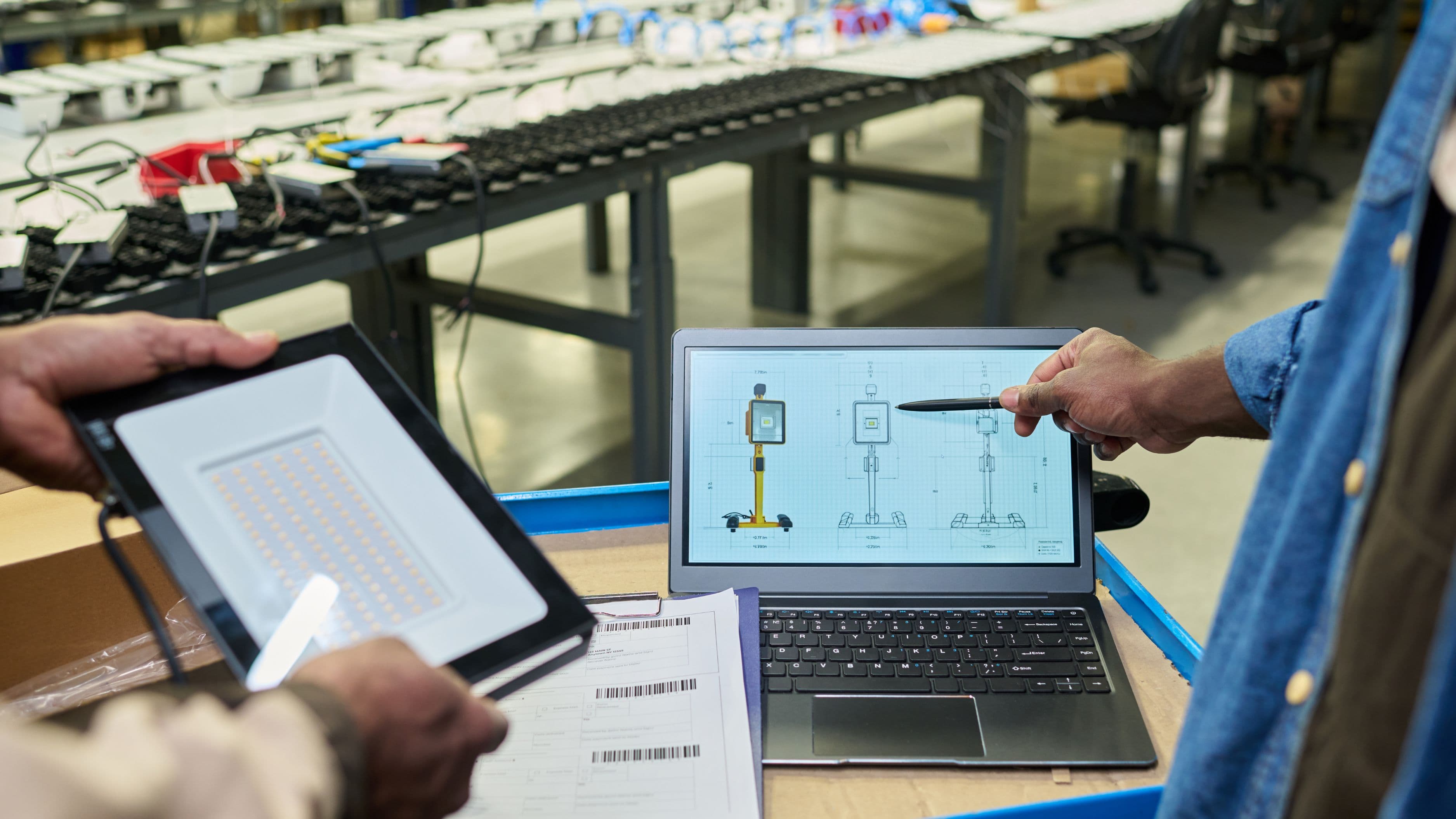
On-device AI isn't just a privacy feature – it's also a practical necessity for use cases where connectivity isn't guaranteed. Real-time translation in a country where you don't have a data plan. Emergency features that need to function without network access. Industrial environments where sending data to the cloud isn't feasible for latency or security reasons.
It also changes the economics and power dynamics of AI deployment. A cloud-based AI feature requires ongoing server infrastructure and puts the provider permanently in the loop. On-device models, once deployed, run without that ongoing dependency. That's attractive for developers who want to offer AI features without the cloud costs, and for users who want AI that continues to work when offline.
The trend is clearly moving toward more on-device processing, not less. As NPUs become more powerful and efficient, as model compression techniques improve, and as users become more aware of data privacy, the incentives to process locally will only strengthen. What started as a performance optimization is becoming a genuine privacy architecture.
What to Pay Attention to Going Forward
The on-device AI space is moving quickly, and a few things are worth watching. First, how transparently companies communicate which processing happens locally versus in the cloud – this disclosure is inconsistent right now, and meaningful privacy labels would help users make informed choices. Second, how federated learning develops as a middle path: a technique where models learn from your data locally and only share anonymized model updates, never raw data. Third, whether regulatory pressure around data residency and privacy will accelerate adoption of on-device processing as a compliance strategy in markets with strict data laws.
For now, if you're choosing between products and privacy matters to you, it's worth asking where the AI features you use are actually running. The answer is increasingly on your device – and that's genuinely good news.
FAQ
Does on-device AI mean my data is completely private? More private, yes – but not completely. Apps can still collect behavioral data separately, and the underlying models were trained on external data. What on-device processing protects is your specific inputs (your voice, your photos, your typing) from leaving your device during inference.
Which devices are best for on-device AI right now? Current flagship devices from Apple (iPhone 15 Pro and later, M-series Macs), Google (Pixel 8 and later), and Samsung (Galaxy S24 and later with Qualcomm or Exynos chips) all have capable NPUs designed for on-device AI workloads.
Can on-device AI work without an internet connection? Yes – that's one of its practical advantages. Features built on on-device models function fully offline. Google's on-device speech recognition on Pixel phones, for example, works without a network connection.
How do I know if a feature is running on-device or in the cloud? Often you can't tell from the user interface alone. Some companies publish privacy documentation that specifies this. Apple's privacy labels in the App Store and their on-device processing documentation are among the more transparent examples. For other platforms, checking the app's privacy policy or looking for network activity during use (a developer tool exercise) can give you hints.
Is on-device AI slower than cloud-based AI? For the tasks it's designed for, on-device AI on modern hardware is actually faster for inference because there's no round-trip network latency. The response appears more immediately. It's only slower in the sense that the models are smaller and therefore less capable of complex, multi-step reasoning.
📚 Sources
Apple – On-Device and Private Cloud Compute Overview – apple.com/privacy/docs/Apple_Intelligence_Privacy_Overview.pdf
Google – On-Device Machine Learning with Google Play Services – developers.google.com/ml-kit
Qualcomm – What Is an NPU? – qualcomm.com/research/artificial-intelligence/ai-inference
MIT Technology Review – The Race to Run AI on Your Device – technologyreview.com/2024/01/11/1086530/the-race-to-make-ai-run-on-your-device
Electronic Frontier Foundation – Privacy and Machine Learning – eff.org/deeplinks/2023/08/privacy-machine-learning
IEEE Spectrum – Federated Learning Explained – spectrum.ieee.org/federated-learning