The alternative landscape has matured significantly in the last few years. What used to be a choice between Adobe and "good enough" is now, in several categories, a choice between Adobe and "genuinely excellent and free." The gap has narrowed to the point where professionals are switching, not just hobbyists.
There's no single app that replaces all of Creative Suite – that was never really possible, and anyone who tells you otherwise is selling something. But if you break the suite down by what you actually use it for, there's a credible free alternative for almost every workflow. Here's the honest breakdown.
The Adobe Creative Suite, Broken Down
Before mapping alternatives, it helps to think about which Adobe apps are doing the actual work. For most users, the relevant tools fall into a few categories:
Photo editing: Photoshop (raster editing, retouching, compositing)
Vector design: Illustrator (logos, icons, scalable graphics)
Page layout / print design: InDesign (multi-page documents, books, magazines)
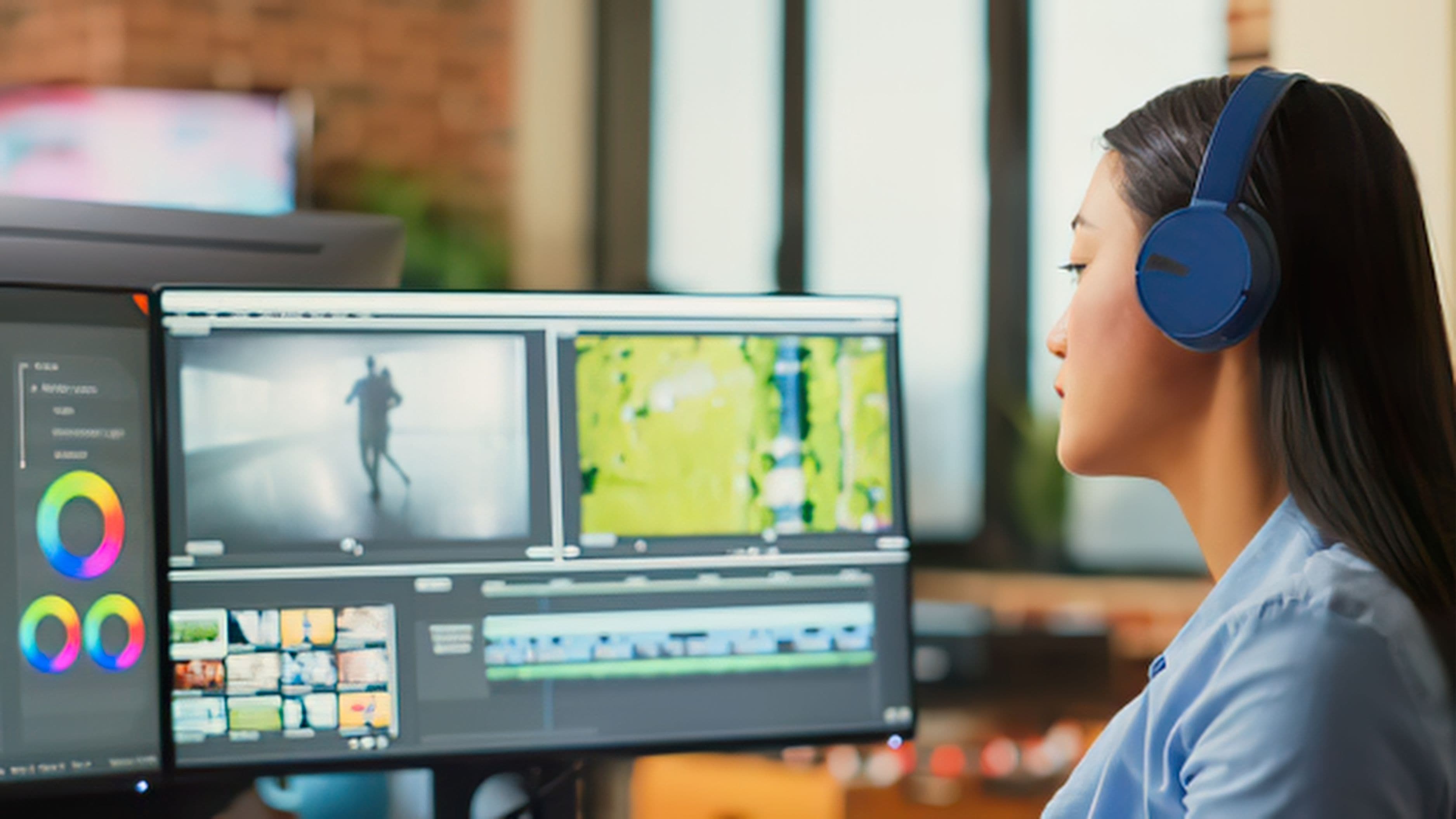
Video editing: Premiere Pro (timeline-based video editing)
Motion graphics: After Effects (animation, visual effects)
PDF tools: Acrobat (PDF editing, forms, signing)
UI/UX design: XD (interface and prototype design)
Each of these has a free alternative worth knowing about. Some are better than others. Some have significant limitations. The honest answer on each one follows.
Photoshop → GIMP and Photopea
GIMP (GNU Image Manipulation Program) is the oldest and most well-known free Photoshop alternative, and it has improved substantially over the years. It handles layers, masks, non-destructive editing, RAW file support (via plugins), and most of what intermediate users actually need from Photoshop. The interface is notoriously un-intuitive – it was designed by engineers, not designers – and the workflow is different enough from Photoshop that switching requires a real learning curve. But it's fully open-source, runs on Windows, macOS, and Linux, and is genuinely powerful once you learn its quirks.
Photopea is the more interesting option for anyone coming from Photoshop. It runs entirely in a browser, requires no installation, and its interface is a very deliberate near-copy of Photoshop's – panels, shortcuts, and all. It opens and saves PSD files natively, which makes it genuinely useful for teams where some members have Photoshop and some don't. For photo editing, retouching, and compositing at a beginner-to-intermediate level, Photopea is remarkable for something that costs nothing and runs in a tab. The free tier has ads; a $5/month subscription removes them, but the core functionality is fully free.
Verdict: Photopea for anyone who knows Photoshop and wants the most familiar experience. GIMP for anyone on Linux or who wants a fully offline, no-account tool.
Illustrator → Inkscape and Vectornator (now Linearity Curve)
Inkscape is the open-source vector editor that's been Illustrator's main free competitor for nearly two decades. It handles SVG files natively (a significant advantage for web work), supports complex path operations, Bezier curves, text on paths, and most of what Illustrator covers for everyday vector design. The interface is dated and the performance can struggle with very complex files, but for logo design, icon creation, and illustration work, Inkscape is more than capable.
Linearity Curve (formerly Vectornator) is the more modern alternative – cleaner interface, iOS and macOS native, and increasingly professional in its feature set. It's free, cloud-synced, and has attracted a real user base among designers who want something lightweight and modern rather than a heavyweight open-source app. It doesn't have the same depth as Illustrator for complex production work, but for many design tasks it's genuinely pleasant to use.
Verdict: Inkscape for depth and compatibility. Linearity Curve for a cleaner experience on Mac or iPad. Neither is a perfect Illustrator replacement for heavy production work, but both handle the majority of real-world vector tasks.
InDesign → Scribus and Affinity Publisher (Free Trial)
Scribus is the open-source page layout application that handles multi-page documents, master pages, text frames, color management, and PDF export. It's not pretty to use, and the learning curve is real, but it does the core job of professional page layout without a subscription. It's actively maintained, free, and cross-platform. If you're laying out a book, a zine, a magazine, or a multi-page brochure, Scribus is a legitimate tool.
The honest caveat here is that this is the category where the free alternatives show their age most clearly. InDesign's dominance in professional print publishing is partly because Scribus, while functional, is notably behind on polish and workflow smoothness. If you're producing high-end print work professionally, this is the hardest Adobe tool to replace for free at a production level.
Verdict: Scribus is the best free InDesign alternative that actually exists, and it works. Just expect a rougher experience than the rest of this list.
Premiere Pro → DaVinci Resolve
This one isn't a contest. DaVinci Resolve is free, and it's professional-grade in a way that none of the other free alternatives on this list quite match in their category. The free version handles multi-track editing, color grading (its original specialty – it's used on Hollywood feature films), audio post-production, and visual effects through Fusion, its built-in motion graphics engine.
The paid version (DaVinci Resolve Studio, $295 one-time) adds collaboration features and some advanced noise reduction and effects tools, but the free version is genuinely complete for most independent video work. It's what a growing number of YouTube creators, documentary filmmakers, and even some broadcast producers are using as their primary editing tool. The color grading tools alone, in the free tier, are better than what Premiere Pro offers at any subscription tier.
The learning curve is real – Resolve is a different paradigm from Premiere Pro, organized around a page-based workflow rather than a single timeline. But once you're past that, you're working in a tool that punches as hard as anything Adobe makes.
Verdict: DaVinci Resolve is the clearest win on this list. If video editing is your primary Creative Suite use case, this is a complete replacement, not a compromise.
After Effects → DaVinci Resolve Fusion and Kdenlive
Motion graphics and visual effects are the hardest Adobe category to replace for free. After Effects is deeply entrenched, and the ecosystem around it – third-party plugins, templates, Motion Blink, VideoHive – is part of what makes it powerful for professionals.
Fusion (built into DaVinci Resolve's free version) handles node-based compositing and motion graphics at a professional level. It's not After Effects – the workflow is node-based rather than layer-based, which is actually more powerful for complex compositing but has a steeper initial learning curve. For motion graphics, titles, and moderate VFX work, it's capable. For After Effects-style layer-based animation, it requires more adaptation.
Kdenlive is a simpler open-source option for basic motion graphics and titling within a video editing workflow, but it's not in the same category as After Effects for serious motion work.
Verdict: Fusion handles most After Effects use cases once you learn its paradigm. It's genuinely powerful, but this is the category that requires the most adjustment for anyone coming from AE.
Adobe XD → Figma (Free Tier)
Figma effectively won the UI/UX design tool market, and Adobe's response was to acquire it – a move that was ultimately blocked by regulators. Figma's free tier allows unlimited files in the cloud (with some limitations on team projects), full prototyping, component libraries, and collaboration features that were central to why the design world shifted away from Sketch and XD in the first place.
For solo designers and small teams, Figma's free tier is a complete tool. The paid plans add more team features, but the core design and prototyping workflow is fully accessible without paying anything. This is probably the sharpest Adobe alternative on the list, in the sense that a significant portion of working professionals already use Figma as their primary tool regardless of what else Adobe offers.
Verdict: Figma is the clear answer for UI/UX work. This isn't even a close call.
Adobe Acrobat → LibreOffice Draw and PDF24
For basic PDF work – viewing, annotating, merging, filling forms – PDF24 is a free, browser-based tool that handles most common PDF tasks without requiring an account or installation. LibreOffice Draw can open and edit PDF files with reasonable fidelity for text-heavy documents. Neither replaces Acrobat's advanced form creation or digital signature certification workflows, but for everyday PDF handling they're more than adequate.
Verdict: PDF24 for quick tasks. LibreOffice Draw for more involved editing. Neither touches Acrobat's ceiling, but most people don't need that ceiling.
So What's the Single Best Free Alternative?
If you're looking for one answer: it depends on what you primarily use Adobe for.
For video editors, DaVinci Resolve is not just a free alternative – it's arguably a better tool than Premiere Pro at its tier, full stop. That's a remarkable thing to be able to say about a free product.
For UI/UX designers, Figma's free tier is your tool. It was already most designers' preference before the price was even a consideration.
For photo editors, Photopea is the most frictionless switch if you know Photoshop, with Affinity Photo (one-time purchase, not free) as the premium alternative if you want desktop-quality offline editing.
For vector designers, Inkscape has the depth. Linearity Curve has the modern experience.
The honest picture is that the free alternative landscape is genuinely strong right now – stronger than it's ever been. Adobe's subscription model created real motivation for alternatives to mature, and they have.
FAQ
Are these tools good enough for professional work? It depends on the category. DaVinci Resolve and Figma are used by working professionals at the highest levels. GIMP and Inkscape are capable but have workflow limitations that some professionals find disqualifying. The answer is "yes" for most use cases, with nuance.
Can I open Adobe files (PSD, AI, INDD) in these alternatives? Partially. Photopea opens PSD files reliably. Inkscape can open some AI files with varying fidelity. INDD files (InDesign) are the least portable – Scribus doesn't open them natively. This interoperability gap is the most significant practical barrier if you work in mixed teams.
Is Affinity Suite worth buying instead of going free? If you want Adobe-quality tools without a subscription, Affinity Photo, Designer, and Publisher are genuinely excellent and are one-time purchases (around $70 each or ~$165 for the full suite as of recent pricing). For many people, this is a better answer than free – you get serious professional tools without recurring costs.
Are the free tools safe to download? GIMP, Inkscape, DaVinci Resolve, LibreOffice, and Kdenlive are all well-established open-source or company-backed tools with long track records. Download them from their official sites only. Photopea runs in the browser – no download required. Figma runs in the browser or via an Electron desktop app, also from the official source.
Will Adobe Creative Cloud become cheaper? Adobe has shown no sign of reducing subscription prices; if anything, prices have increased over time. The regulatory blocking of the Figma acquisition removed what would have been Adobe's most significant move to consolidate the design tool market. The competitive landscape seems more likely to pressure Adobe over time, not less.
📚 Sources
GIMP – Official Site and Feature Overview: https://www.gimp.org/features/
Photopea – Browser-Based Photo Editor: https://www.photopea.com
Inkscape – About and Features: https://inkscape.org/about/
Linearity Curve (formerly Vectornator) – Feature Overview: https://www.linearity.io/curve/
Blackmagic Design – DaVinci Resolve Free vs Studio Comparison: https://www.blackmagicdesign.com/products/davinciresolve
Figma – Free Plan Overview: https://www.figma.com/pricing/
Scribus – Open Source Desktop Publishing: https://www.scribus.net/about/
PDF24 – Free PDF Tools: https://www.pdf24.org/en/
The Verge – Adobe's Figma Acquisition Blocked by Regulators: https://www.theverge.com/2023/12/18/24005996/adobe-figma-acquisition-abandoned-regulators
Tom's Guide – Best Free Adobe Alternatives: https://www.tomsguide.com/best-picks/best-free-adobe-alternatives