The good news is that decluttering your digital life doesn't require deleting things blindly and hoping for the best. With a bit of structure, you can clear out what's genuinely unnecessary while making sure anything actually important stays safe, organized, and easy to find.
Why Digital Clutter Quietly Affects You More Than You Think
Digital clutter isn't just an aesthetic annoyance. Overflowing inboxes and disorganized files create a low-level cognitive load, a background hum of "I should deal with that eventually" that adds up over time even when you're not actively thinking about it. There's also a very real practical cost: cluttered storage slows devices down, makes backups take longer, and makes it genuinely harder to find things when you actually need them.
Understanding this upfront matters because it reframes decluttering from a nice-to-have chore into something that actually affects your daily mental bandwidth and your device's performance. That's a much stronger motivator than vague guilt about an unorganized desktop.
Start With a Backup Before You Delete Anything
Before touching a single file, back up everything to at least one other location, whether that's an external hard drive, a cloud service, or both. This single step removes the anxiety that often stops people from decluttering in the first place: the fear of accidentally deleting something you'll desperately need later.
Once you have a backup, you can declutter more freely, knowing that even if you delete something by mistake, it's recoverable. Think of this as your safety net that makes the rest of the process feel far less risky.
Tackle Your Photo Library With a Simple Sorting System
Photo libraries are usually the biggest source of digital bloat, often containing thousands of near-duplicate shots, blurry outtakes, and screenshots you forgot you took. Rather than trying to review every photo individually, sort by date and work through it in chunks, deleting obvious duplicates, blurry shots, and irrelevant screenshots as you go.
Many phones now have built-in tools that flag likely duplicates or similar photos automatically, which can speed this process up considerably. Once you've cleared the obvious clutter, consider organizing the keepers into albums by year or event, which makes browsing your library later far less overwhelming.
Get Your Email Inbox Under Control
A cluttered inbox is one of the most common sources of ongoing digital stress. Start by unsubscribing from newsletters and promotional emails you never actually read, since these accumulate quickly and add unnecessary volume to your inbox over time. Most email providers now include a one-click unsubscribe option directly in the email header.
For existing clutter, use search and filter tools rather than scrolling manually. Search for common senders (retailers, newsletters, notifications) and bulk-archive or delete in batches rather than one email at a time. Setting up folders or labels for categories you regularly need (receipts, work, personal) also makes future organization far easier to maintain.
Clean Up Your File Storage and Downloads Folder
Downloads folders tend to become a graveyard of files you meant to deal with eventually. Set a recurring reminder, even just monthly, to review and clear this folder, moving anything genuinely important to a proper location and deleting the rest. This single habit prevents years of accumulated clutter from building up in the first place.
For cloud storage and hard drives more broadly, use built-in storage analysis tools (most operating systems have one) to identify what's actually taking up the most space. Often it's large video files, old app installers, or duplicate documents that most people don't realize are sitting there unused.
Audit Your Apps and Subscriptions
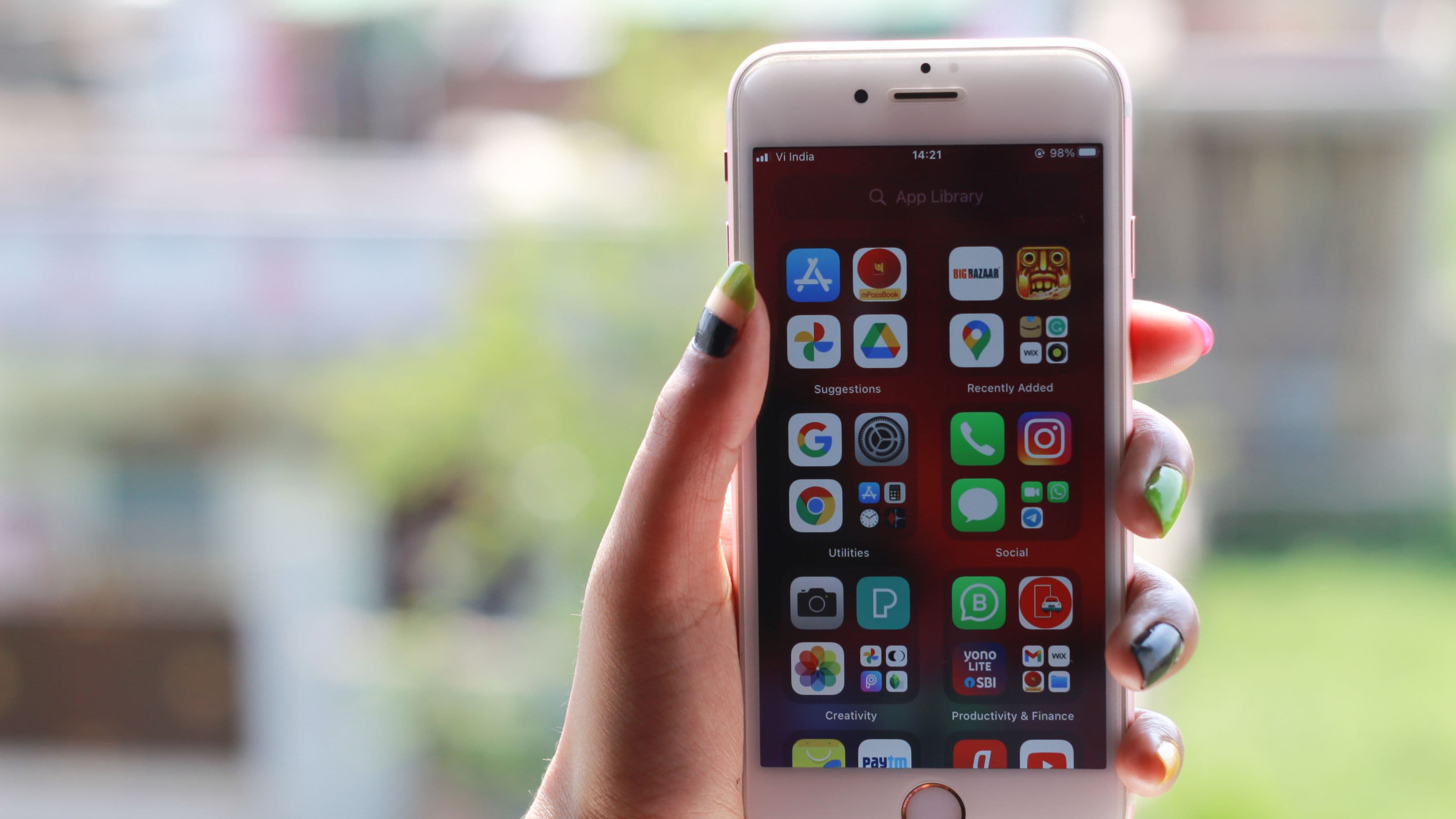
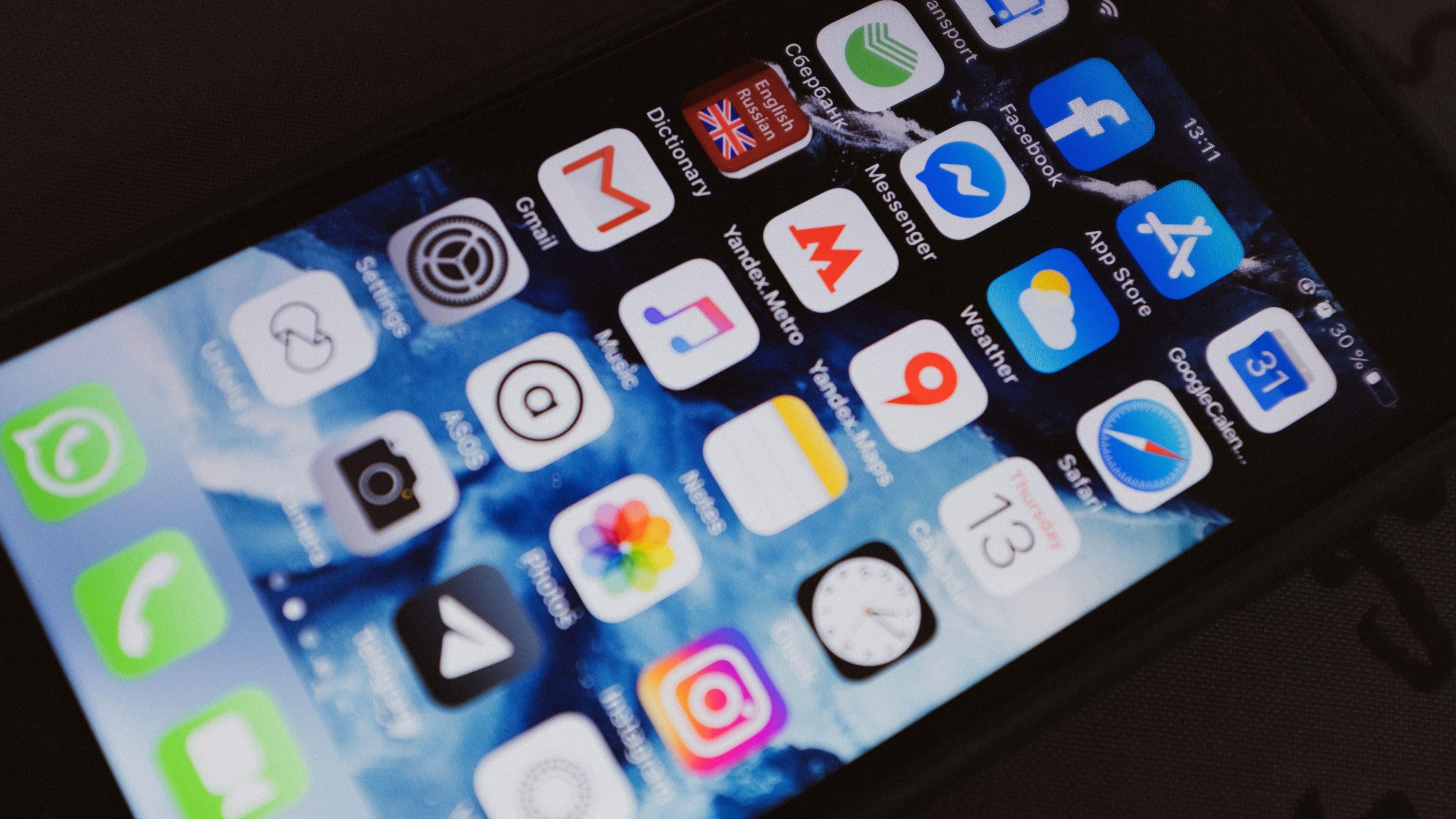
Go through your phone and computer and remove apps you haven't opened in the last three to six months. Beyond freeing up storage, this also reduces the number of notifications and background processes competing for your attention throughout the day.
While you're at it, check your subscription list for recurring charges tied to apps or services you no longer actively use. This is a genuinely common source of quiet financial waste, and it takes just a few minutes to review your bank or credit card statement for recurring charges you may have forgotten about entirely.
Organize What You Keep, Not Just What You Delete
Decluttering isn't only about deletion, it's also about creating a system that prevents the same clutter from building back up. Set up a simple, consistent folder structure for documents (by year, by project, or by category, whatever makes sense for how you actually search for things) so that new files have an obvious home instead of landing in a general "misc" folder that becomes its own source of clutter.
The same applies to your desktop and downloads folder. If everything currently defaults to your desktop or downloads because there's no clear alternative, that's a sign your organizational system needs a small adjustment, not that you personally lack discipline.
What to Avoid
Avoid trying to declutter everything in a single overwhelming session. Digital clutter accumulates over years, and trying to fix it all in one afternoon usually leads to burnout partway through and an incomplete job. Break it into smaller sessions across different categories (photos one day, email another, files another) rather than attempting it all at once.
Also avoid deleting anything you're even slightly unsure about without checking your backup first. If in doubt, move uncertain files to an "unsorted, review later" folder rather than deleting immediately. This gives you a middle ground that doesn't require perfect certainty in the moment.
Frequently Asked Questions
How often should I declutter my digital life? A light monthly pass on email and downloads, combined with a deeper quarterly review of photos, files, and apps, keeps clutter from building up significantly between sessions.
Is it safe to use automatic duplicate-detection tools? Generally yes for built-in tools from major phone and computer manufacturers, though it's still worth spot-checking a sample of flagged duplicates before bulk-deleting, especially with photos.
What's the best way to store things I don't need daily access to but don't want to delete? An external hard drive or a lower-cost cloud storage tier designed for archival, rather than your primary device storage, keeps things accessible without cluttering your daily-use space.
📚 Sources
Federal Trade Commission – How to Protect Your Data and Devices, https://consumer.ftc.gov/articles/how-keep-your-personal-information-secure
National Institute of Standards and Technology – Data Backup Guidance, https://www.nist.gov/cybersecurity
Consumer Reports – Digital Organization and Privacy Guides, https://www.consumerreports.org/electronics-computers/