That "it depends" answer is more interesting than it sounds. Because for a growing number of workflows, the answer is genuinely yes – and for others, tablets are still firmly in "companion device" territory no matter how many keyboard accessories you attach to them. Let's actually work through where the line is.
What Tablets Can Genuinely Do Now
It's worth starting with how much this conversation has changed. The iPad Pro M4 runs Apple Silicon that benchmarks comparably to a MacBook Air. The Samsung Galaxy Tab S9 Ultra packs a desktop-class Snapdragon processor into a 14.6-inch display. Microsoft's Surface Pro line runs full Windows 11. These are not content consumption devices dressed up with keyboard covers – they're legitimately fast machines constrained primarily by software and operating system decisions, not hardware.
The iPad Pro in particular has hardware that outpaces a lot of mid-range laptops by raw benchmark metrics. Editing 4K video in DaVinci Resolve for iPad, running complex Procreate files with hundreds of layers, working in Logic Pro for iPad – these tasks run smoothly in ways that would have felt like marketing fiction five years ago. The hardware limitation argument has mostly collapsed. What remains is the software and workflow limitation argument, which is more nuanced.
iPadOS has matured significantly. Stage Manager gives you floating, resizable windows that more closely approximate a desktop environment. External display support has improved. File management, once a genuine nightmare, has gotten usable through the Files app. The gap between iPadOS and macOS is real but smaller than it used to be.
Workflows Where Tablets Work Well
Some categories of work have genuinely good tablet-native solutions.
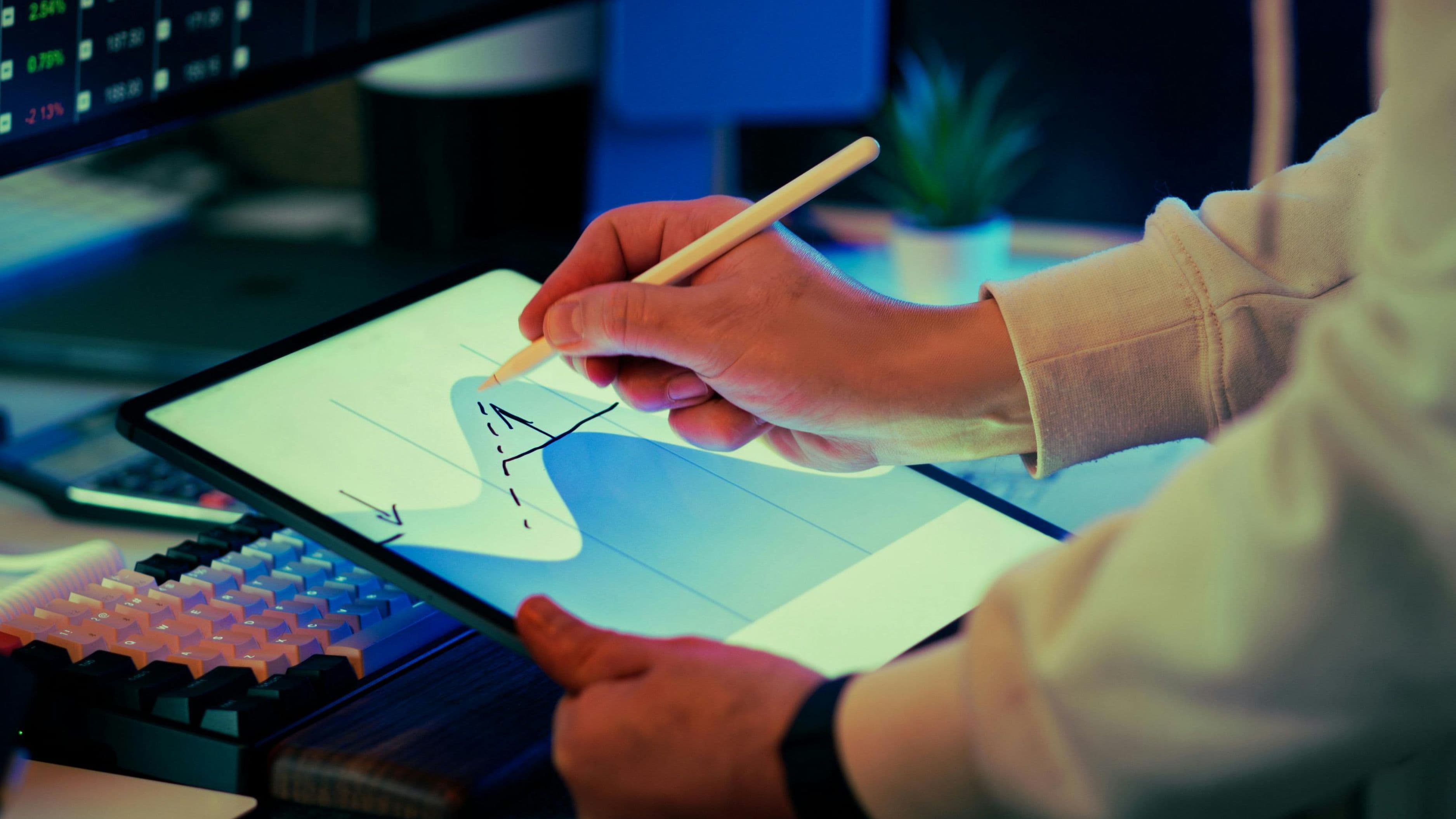
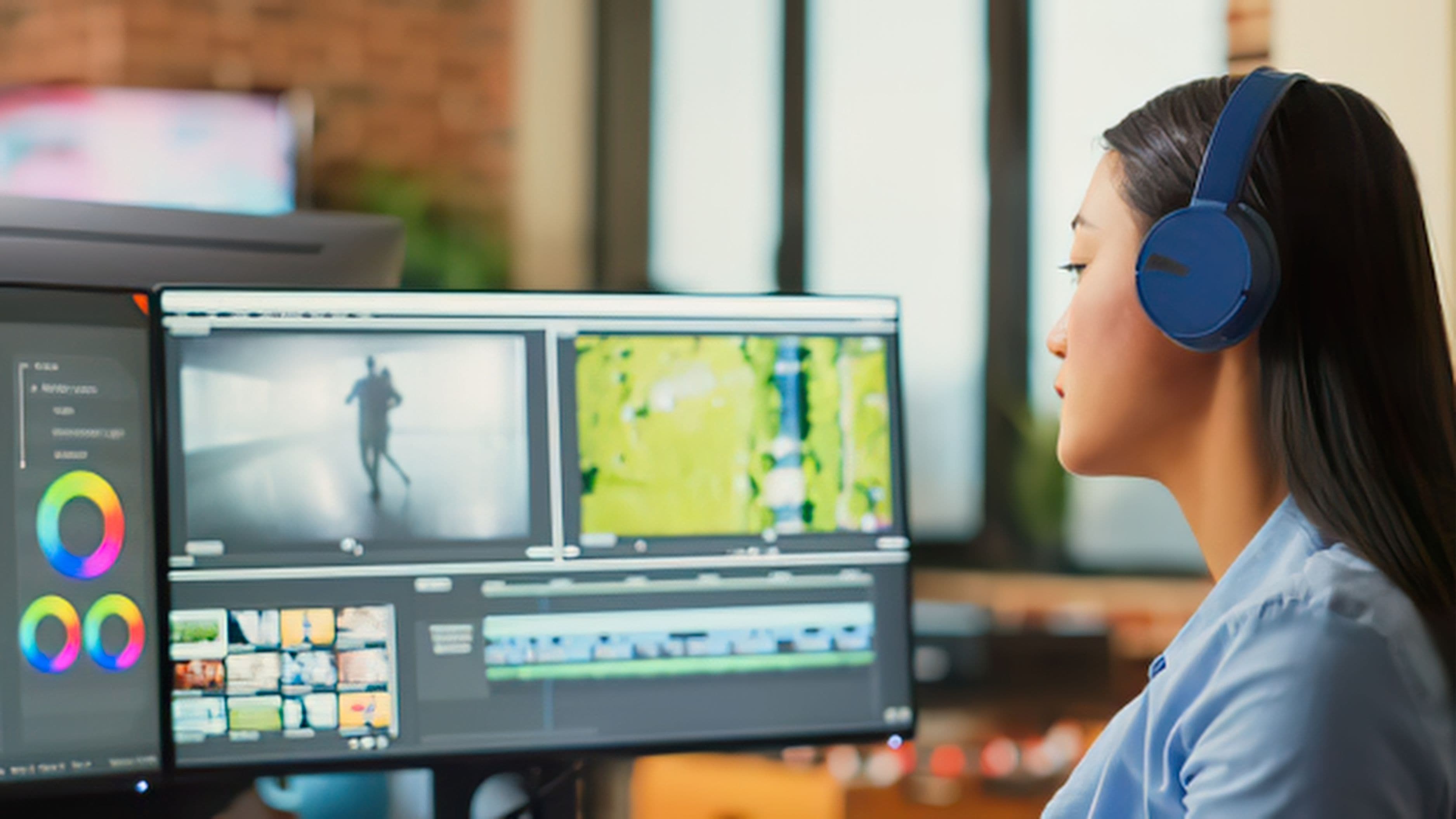
Creative work is the strongest case. Digital illustration, photo editing, and video work have mature iPad-native apps that are specifically optimized for touch and Apple Pencil input in ways a laptop can't replicate. Procreate, Affinity Photo, Lightroom, LumaFusion, and DaVinci Resolve on iPad are professional-grade tools used by working creatives. The touch-first interface for these workflows is often faster and more intuitive than a mouse and keyboard for the actual creative work – not just a compromise.
Writing and document work translates well to tablets with a keyboard. If your workflow is primarily Google Docs, Word, Notion, email, calendar, and web research, a tablet with a keyboard cover handles this cleanly. The iPadOS versions of these apps are functionally close to their desktop counterparts for most tasks. The same is broadly true on Android tablets with Samsung DeX or on Surface Pro running full Windows, where you're not running tablet-adapted apps at all – you're running the real thing.
Media and content consumption is obvious, but worth including because it's legitimately part of a lot of people's work – reviewing video cuts, monitoring dashboards, reading research, catching up on communications. Tablets are better for most of this than laptops simply because of the screen size-to-portability ratio and the lower mental friction of picking them up.
Presentations and client-facing work is underrated. Walking into a meeting with an iPad, pulling up a presentation you can swipe through, and handing it across the table for someone to interact with is a genuinely better experience than wrestling with a laptop lid and finding a HDMI adapter. For consultants, designers, and anyone who presents to clients regularly, a tablet handles this side of the workflow exceptionally well.
Where Tablets Still Fall Short
Here's where honesty matters more than marketing narrative.
Development work is the clearest limitation. If your job involves writing and running code – web development, software engineering, data science, DevOps – tablets are still genuinely constrained. iPadOS doesn't run a proper local development environment. You can use VS Code in a browser via GitHub Codespaces, SSH into a remote server with an app like Prompt, or run a limited set of code execution environments, but the experience is more workaround than workflow. This is a software and OS decision, not a hardware limitation, but the practical reality is the same.
Android tablets have more flexibility here – you can run Linux on a Galaxy Tab through Termux or Samsung DeX with some effort – but "it technically works if you're comfortable working around the limitations" is not the same as a smooth development workflow.
Complex spreadsheet work starts showing cracks at a certain level of complexity. Basic Excel and Google Sheets work fine. But a spreadsheet with hundreds of columns, VBA macros, Power Query transformations, or heavy pivot table work is still more comfortable on a desktop OS with full application support. iPadOS Excel is good but not identical to the desktop version, and some features simply aren't there.
Multi-app parallel workflows are where the iPadOS multitasking model gets genuinely frustrating. If your workflow involves rapidly switching between eight applications, copying data between them, and running multiple windows of the same app simultaneously, the iPad's windowing model – even with Stage Manager improvements – is more limiting than macOS or Windows. Stage Manager supports a maximum of four apps on screen, and the mental model for managing windows across spaces is less intuitive than a traditional desktop.
Specialized software is probably the biggest limiting factor for most professional workflows. If your job depends on Adobe InDesign, AutoCAD, specific medical or legal or accounting software, or any specialized desktop application without an iPadOS version, a tablet cannot replace your laptop. The app library gap is narrowing but it's real.
The Windows Tablet Exception
Microsoft Surface Pro and its competitors occupy a genuinely different category that's worth separating from the iPad and Android tablet conversation. A Surface Pro running full Windows 11 doesn't have the app library limitations of iPadOS – it runs every Windows application, every piece of specialized software, every development tool. It is a full Windows computer in a tablet form factor.
The trade-offs are different from iPadOS tablets. Windows 11 in tablet mode is not as refined as iPadOS for touch-first interaction – the interface has improved but was clearly designed with a mouse in mind first. Battery life is typically shorter than iPad Pro. The kickstand-and-keyboard-cover form factor is functional but less elegant as a writing surface on a lap than a traditional laptop lid. Microsoft Office apps in Windows are identical to their desktop versions, which is a significant practical advantage.
For people whose workflows run on Windows applications specifically – particularly developers who need Windows, finance professionals with Windows-only tools, or anyone in an enterprise environment standardized on Windows – a Surface Pro is a more credible "replace the laptop" option than any iPadOS device.
The Real Question: What Does Your Workflow Actually Need?
The "can a tablet replace a laptop" question becomes more useful when you make it specific: can your workflow run on a tablet? The answer almost always breaks down by app dependency.
Start by listing the five to ten applications you spend the most time in on your current computer. Then ask for each one: does a native tablet version exist, and is it functionally equivalent for the tasks I actually do? That analysis will give you a clearer answer than any general comparison.
A graphic designer who lives in Procreate, Lightroom, and email? A tablet probably covers 90% of the work. A financial analyst who runs complex Excel models with macros? Not yet. A writer who works in Notion, browsers, and communication tools? Largely yes. A software engineer who needs a local development environment? Not on iPadOS, and not comfortably on Android.
There's also the hybrid approach, which is what most people who've genuinely tried to make tablets their primary machine end up at: the tablet as primary with a desktop or cloud resource available for the things it can't handle. Running heavy computation on a Mac Mini or cloud VM while the tablet handles everything else is a real workflow for a growing number of people – particularly as remote access tools like Screens and Moonlight have improved.
The Verdict
Tablets have crossed a threshold in the last few years where the "real work" question is no longer dismissible. For creative professionals, writers, consultants, and anyone whose work lives primarily in web apps, the answer is genuinely yes. iPadOS is a legitimate primary workflow environment for a specific set of use cases, and for those use cases it has advantages a laptop doesn't – touch input, form factor, portability, and a more distraction-managed environment.
For developers, power users with complex desktop software dependencies, or anyone who needs to run things that simply don't exist on iPadOS, the laptop is still the right tool. Not because tablets are underpowered – they're not – but because the software ecosystem and operating system constraints haven't caught up to what the hardware can actually do.
The most useful reframe might be this: instead of asking whether a tablet can replace your laptop, ask whether your workflow is closer to the tablet-friendly or laptop-dependent end of the spectrum. For most people, the honest answer sits somewhere in the middle – and knowing where exactly it sits is more valuable than a categorical yes or no.
FAQ
Which tablet is the best option if you're seriously trying to replace a laptop?
For most people, the iPad Pro M4 (with Magic Keyboard) is the strongest option if you're willing to work within iPadOS. If you need full Windows compatibility, the Microsoft Surface Pro 11 is the most capable option in the Windows tablet category. Samsung's Galaxy Tab S9 Ultra is the best Android option but has a less mature ecosystem for productivity work.
Can you connect external monitors and peripherals to tablets?
Yes. iPad Pro supports USB-C external display output, a connected keyboard and mouse, USB-C hubs for multiple peripherals, and external storage. Samsung Galaxy tabs with DeX mode support full desktop-style external display setups. The peripheral support has significantly improved and is no longer the limitation it was.
Is cloud-based development an actual option for developers?
For many types of development, yes. GitHub Codespaces, Replit, and Gitpod provide browser-based development environments that are functional for web development, scripting, and many backend tasks. The limitations are internet dependency, latency on certain operations, and the cost of cloud compute. For developers who are comfortable with this model and have reliable connectivity, it works.
How does battery life compare between tablets and laptops?
iPad Pro consistently delivers 10–12 hours of real-world use, which is better than most comparable laptops. Surface Pro battery life is typically 8–10 hours and varies more with workload. For day-long use without a charger, tablets generally have an advantage.
What about running two instances of the same app on iPadOS?
iPadOS supports Split View with two instances of the same app in some applications, but not universally. It's an improvement over earlier versions but still a limitation compared to macOS where you can open any number of windows of any application. For workflows that rely heavily on running multiple windows of the same app, this remains a real constraint.
📚 Sources
Apple – "iPad Pro M4 specifications" – apple.com https://www.apple.com/ipad-pro/specs/
Microsoft – "Surface Pro 11 overview" – microsoft.com https://www.microsoft.com/en-us/surface/devices/surface-pro-11th-edition
The Verge – "iPadOS 17 review" – theverge.com https://www.theverge.com/23879726/ipados-17-review
GitHub – "GitHub Codespaces documentation" – docs.github.com https://docs.github.com/en/codespaces/overview
Samsung – "Galaxy Tab S9 Ultra specifications" – samsung.com https://www.samsung.com/us/smartphones/galaxy-tab-s9-ultra/