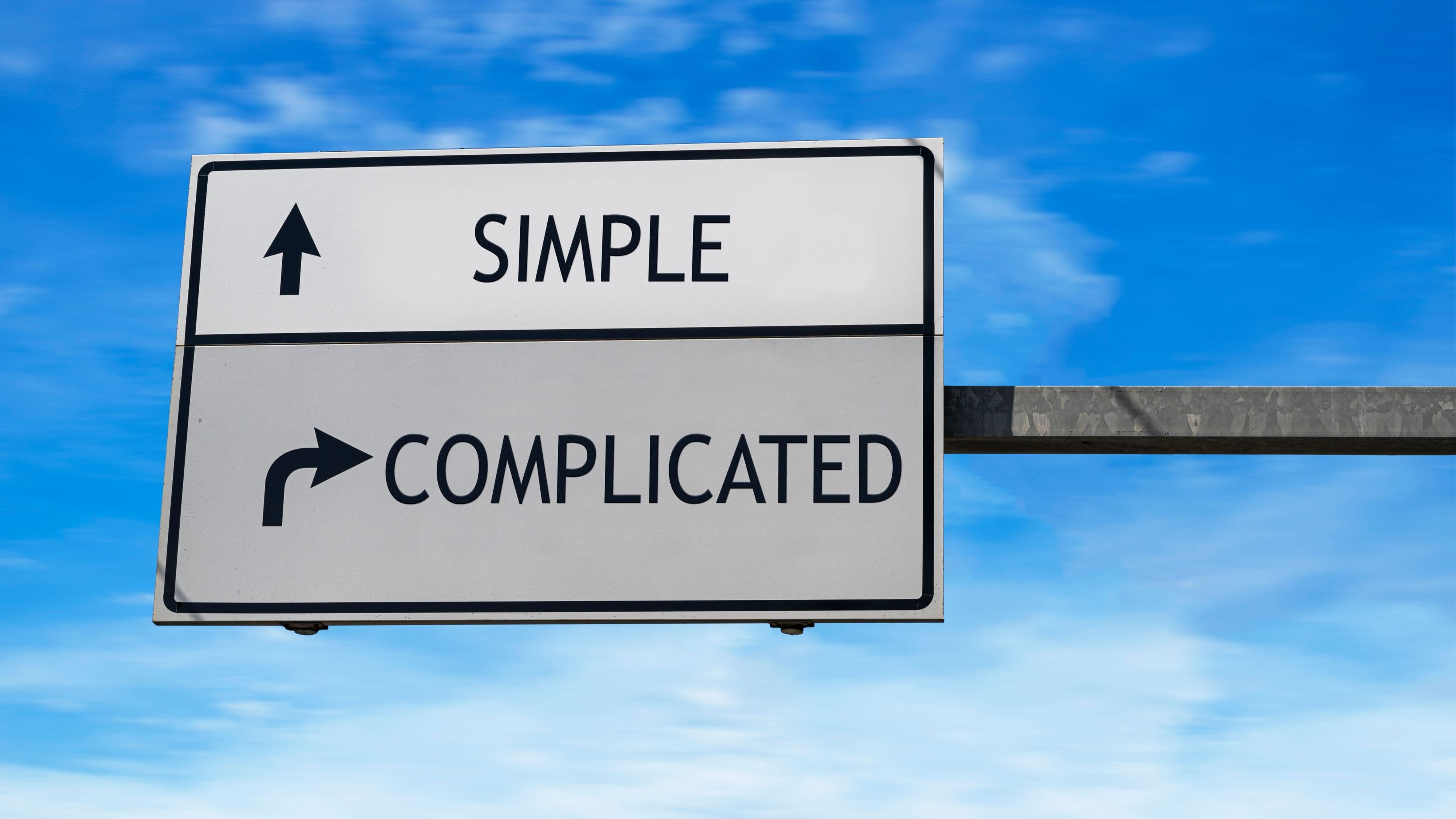
The irony is that "second brain" overload is almost a genre of its own at this point. There are YouTube channels, full courses, and 400-page books dedicated to a productivity system that is, at its core, just a smarter way to take notes. If you've ever felt overwhelmed by the idea of building one, that's not a failure of discipline – it's a sign that most of the advice out there skips straight to complexity without explaining what actually matters.
Here's how to build a second brain that works in the real world, without turning it into a second job.
What a Second Brain Actually Is
The term was popularized by productivity writer Tiago Forte, whose book Building a Second Brain (2022) laid out a methodology for capturing, organizing, and using information over time. The core idea is straightforward: your biological brain is better at generating and connecting ideas than it is at storing them. Offloading the storage part to a reliable external system – a "second brain" – frees up mental bandwidth for the thinking that actually matters.
It's not a new concept. Writers, scientists, and researchers have kept notebooks, commonplace books, and card indexes for centuries. What's changed is the volume of information coming at us daily, and the availability of digital tools that make organizing and retrieving notes dramatically faster than paper ever allowed. The second brain approach is essentially a modern update to an old idea: write things down, keep them somewhere useful, and revisit them when they're relevant.
What it isn't is a complicated productivity architecture that requires daily maintenance, rigid taxonomies, and a color-coded tagging system. That version exists, and some people love it. But for most people, a second brain that's too complex to maintain regularly becomes a digital junk drawer that creates anxiety instead of reducing it.
Why Bother at All?
Before getting into the how, the why is worth a moment. The case for a second brain comes down to one simple observation: you encounter far more interesting, useful, and potentially valuable information than your working memory can hold onto. An article you read at lunch about how sleep affects decision-making. A line from a podcast that reframed the way you think about feedback. A project idea you had in the shower last Tuesday. Without a reliable place to put these things, they evaporate – and you're left with the vague feeling that you were once smarter than you currently are.
A second brain makes your thinking cumulative rather than disposable. Instead of starting from scratch every time you approach a problem or project, you have a growing body of material you've already processed and found worth keeping. Over time, it also creates unexpected connections – notes from different areas collide in ways that generate ideas you wouldn't have arrived at through linear thinking alone.
The compound effect is real, but it only kicks in if the system is light enough to actually use. That's the part most guides gloss over.
Step 1: Pick One Tool and Commit to It
The most common mistake when starting a second brain is tool-hopping. Notion, Obsidian, Roam Research, Apple Notes, Logseq, Evernote – all of them can work. None of them will work if you spend more time evaluating them than using them, or if you split your notes across three different apps trying to find the "perfect" setup.
For most people, the right tool is either Notion (if you want a flexible workspace with databases and templates), Obsidian (if you like the idea of local files and interconnected notes), or simply Apple Notes or Google Keep (if you want something you'll actually open without thinking about it). The feature sets differ meaningfully between these, but the differences matter far less than consistency of use.
A reasonable heuristic: if you're someone who enjoys tinkering with systems, Obsidian will satisfy that impulse and reward it. If you want something that just works without configuration, Apple Notes or Notion with a simple setup is the better call. Either way, pick one, use it for at least 30 days before evaluating it, and resist the urge to start over.
Step 2: Capture Less Than You Think You Should
The instinct when building a second brain is to save everything. Every article, every quote, every link. This is the fastest route to an unusable system. When everything is saved, nothing is meaningful – and the cognitive cost of reviewing a bloated capture inbox eventually outweighs the benefit of having the information at all.
A more useful standard: save something only if you can imagine a plausible future context in which you'd be glad it was there. That cuts out a lot. News articles you'll never reference again, quotes that sound good but don't connect to anything you actually care about, random links saved out of vague curiosity – these don't need to live in your second brain. They can live in your browser's history, or nowhere at all.
The things worth capturing tend to have one of a few qualities: they shift the way you think about something you care about, they're directly relevant to a project or goal you're actively working on, or they contain information you'd otherwise have to go hunting for repeatedly. When something genuinely meets one of those criteria, save it immediately – the friction of "I'll do it later" is where good captures die.
Step 3: Organize by Project, Not by Topic
Forte's organizational system – called PARA – organizes notes into four buckets: Projects, Areas, Resources, and Archive. It's a useful framework, and the most important insight it contains is this: organize by what you're actively working on, not by abstract subject matter.
Most people's instinct is to organize by topic – a folder for "Marketing," a folder for "Philosophy," a folder for "Health." The problem is that this system requires you to decide where something belongs at the point of capture, which creates friction, and then forces you to remember your own taxonomy when retrieving it later. Topic-based organization is optimized for librarians. Project-based organization is optimized for people who need to actually get things done.
In practice, this means: when you save something, ask yourself which active project or ongoing area of your life it connects to, and file it there. If it doesn't connect to anything active right now, put it in a Resources folder or a general inbox to sort later. The Archive is for anything from completed projects you want to keep but don't need regularly. This structure doesn't require perfect filing – it just requires a consistent logic.
Step 4: Process Notes in Batches, Not in Real Time
One of the biggest drains in any note-taking system is the expectation that every capture needs to be immediately processed, tagged, and filed. That level of real-time maintenance is exhausting and, for most people, unsustainable. It also breaks the flow of whatever you were doing when you captured the thing in the first place.
A simpler approach: capture into an inbox (a single, unfiled collection area) throughout the day or week, then process in a batch session once a week or whenever the inbox starts feeling cluttered. During processing, you're doing three things – deciding whether to keep it, adding a brief note on why it matters or how it connects to something active, and filing it somewhere you'll find it. The whole thing, for a reasonably-sized inbox, should take 20–30 minutes.
The brief note is the step most people skip and shouldn't. A raw clipping from an article, saved without context, is almost meaningless six months later. A sentence explaining why you saved it – "Good framing for the feedback section of the onboarding guide" or "Contradicts what I thought about intermittent fasting, worth revisiting" – turns it into something you can actually use.
Step 5: Use It, Don't Just Maintain It
A second brain that gets updated but never consulted is just an organized archive. The point is to close the loop – to actually return to your notes when you're working on something relevant, and to let the system influence your thinking rather than just satisfying your organizational impulses.
This happens naturally if the system is set up well. When you start a new project, spend five minutes searching your notes for anything relevant before you begin. When you're writing something, pull up notes from the area it touches. When a recurring problem comes up, check whether you've thought about it before and what you concluded. These habits compound. Over time, you'll find yourself reaching for your second brain the way you'd reach for a knowledgeable colleague – because it actually contains something useful.
Common Mistakes to Avoid
Over-engineering the structure before you have content. Spending a week designing a Notion template before you've captured a single note is working backwards. Start with a simple inbox, capture for a month, and let the structure emerge from what you're actually saving rather than imposing it in advance.
Treating it like a to-do list. A second brain is for knowledge and ideas, not tasks. Mixing action items into your notes creates confusion and makes both the task management and the note-taking worse. Keep tasks in whatever system you use for tasks, and keep the second brain for information that informs your thinking.
Never reviewing old notes. Capture without retrieval is just digital hoarding. Build in a lightweight review habit – even just scanning your notes from a completed project before archiving them, or doing a monthly pass through your Resources folder. This is where the real value of a second brain compounds.
Waiting until the system is "ready" to start using it. It will never be perfectly ready. The system improves through use, not through planning. A messy, actively-used second brain beats a pristine empty one every time.
The Minimal Viable Second Brain
If all of this still feels like a lot, here's the stripped-down version that actually works:
One tool. One inbox folder. Save things that matter to something you're actively working on. Write one sentence of context when you save. Review and file once a week. Use it before starting anything significant.
That's it. Everything else – the databases, the bidirectional links, the tags, the custom templates – is optional enhancement. The core practice is simple, and simple is what gets used.
FAQ
What's the best tool for building a second brain in 2026? Notion and Obsidian are the most popular dedicated options. Notion is better if you want flexibility and don't mind cloud storage. Obsidian is better if you prefer local files and want a graph-based view of note connections. For the simplest possible setup, Apple Notes or Google Keep work surprisingly well.
Do I need to follow Tiago Forte's PARA system exactly? No. PARA is a useful framework, but it's a starting point, not a prescription. Use the parts that make sense for your workflow and ignore the rest. The underlying principle – organize by active projects rather than abstract topics – is the valuable part.
How long before a second brain starts feeling useful? Most people notice a meaningful difference after about 60–90 days of consistent use. The system needs enough content to be worth searching, and you need enough experience with it to trust that things are there when you need them.
Can I build a second brain using just paper? Yes, though retrieval is slower and search is manual. The Zettelkasten method, which predates digital tools, is essentially an analogue second brain using index cards. It works, and some people strongly prefer the tactile aspect.
What should I do with notes I've already saved in multiple different places? Don't try to migrate everything at once – that's a project that never ends. Pick your new tool, start fresh, and pull in old notes only when they become relevant to something active. Over time, the most valuable old notes will resurface naturally.
The Bottom Line
A second brain is genuinely useful. The version that's worth building is simple enough to maintain in the gaps of your actual life, specific enough to be searchable and meaningful, and used regularly enough to compound. The complicated version – the one with 47 tags and a weekly two-hour review ritual – works for some people and burns out most others.
Start small. Capture consistently. Write a sentence of context. Use what you save. That's the whole thing.
📚 Sources
Forte, Tiago – Building a Second Brain (Atria Books, 2022): https://www.buildingasecondbrain.com/book
Forte Labs – The PARA Method: The Simple System for Organizing Your Digital Life in Seconds: https://fortelabs.com/blog/para/
Obsidian – About Obsidian and the Personal Knowledge Management Approach: https://obsidian.md/about
Notion – Getting Started with Notion for Personal Knowledge Management: https://www.notion.com/help/guides/getting-started-with-notion
Zettelkasten.de – Introduction to the Zettelkasten Method: https://zettelkasten.de/introduction/
Harvard Business Review – To Remember Something, Write It Down (But Digitally Too): https://hbr.org/2023/04/the-right-way-to-take-notes-at-work