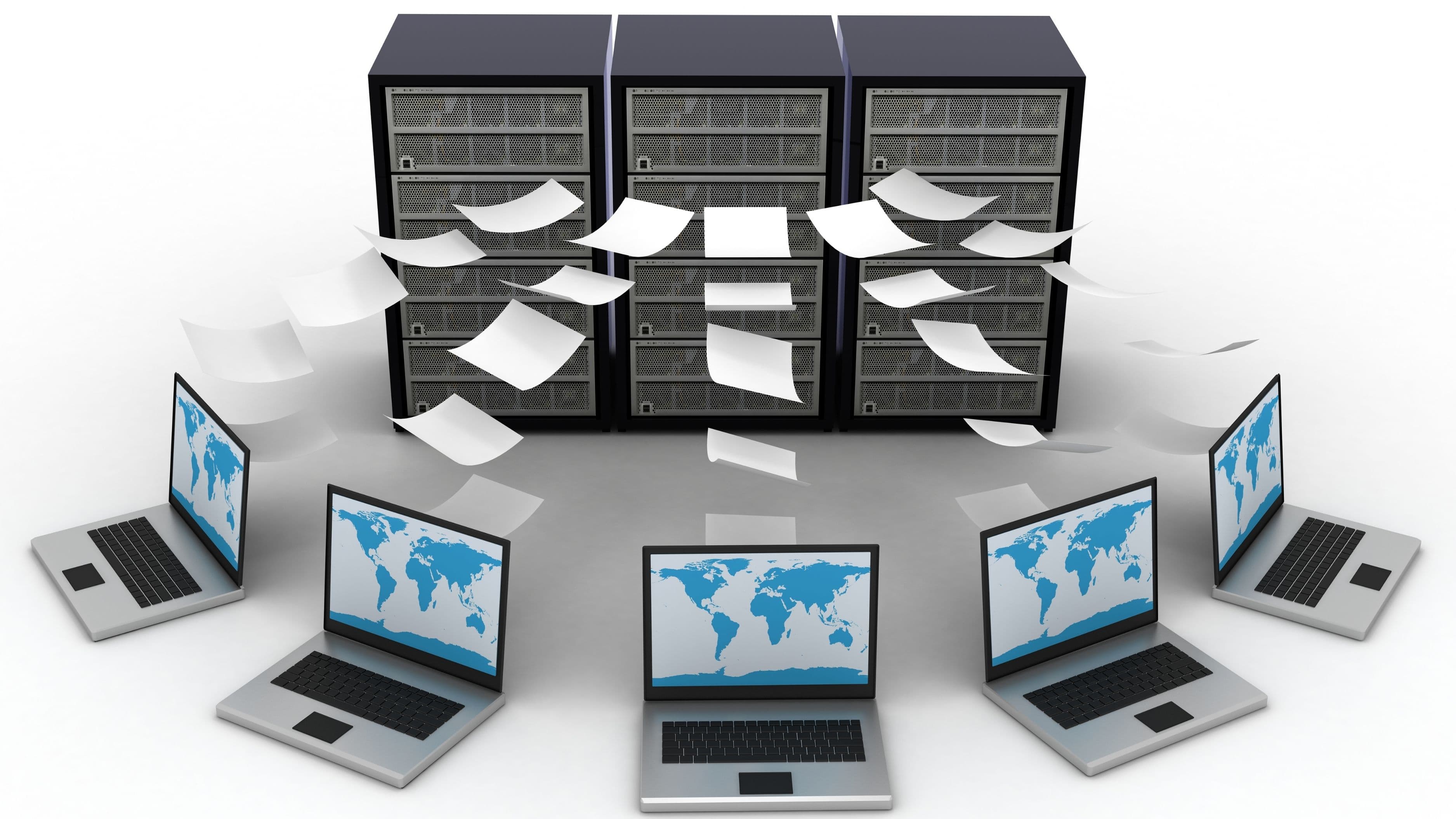
The good news is that email was never really designed for large file transfers in the first place, and there are far better tools built specifically for this. Understanding your options means you can pick the right one for the specific situation, whether that's a one-time transfer to a friend or an ongoing workflow with a team.
Why Email Struggles With Large Files in the First Place
Email attachment limits exist because email servers were designed decades ago around the assumption of small text-based messages, not large media files. When you attach a big file, it gets encoded into the email itself, which bloats the message size and can slow down or overload mail servers not built to handle that kind of volume repeatedly.
Beyond the size limit itself, large attachments also tend to clog up both your own sent folder and the recipient's inbox, making things harder to search and organize later. This is part of why dedicated file-sharing tools have become the standard for anything beyond a small document.
Cloud Storage Links Are the Most Practical Everyday Option
Services like Google Drive, Dropbox, and Microsoft OneDrive let you upload a file once and share a link rather than sending the actual file data through email. This is faster, avoids attachment size limits entirely, and gives you more control, since you can set permissions, expiration dates, or password protection on the shared link depending on the service.
This approach also solves a common annoyance with email attachments: version confusion. Instead of multiple people having different attached copies of a file with no clear "latest version," a shared cloud link always points to the current file, and most of these services keep a version history in case you need to roll back changes.
Dedicated File Transfer Services for One-Time Sends
If you just need to send a large file once without setting up an ongoing shared folder, dedicated transfer services like WeTransfer are built specifically for this. You upload the file, get a shareable link (or the service emails it directly to the recipient), and the file typically stays available for a set number of days before expiring automatically.
These services are especially useful when you're sending files to someone who doesn't already use the same cloud storage platform as you, since there's no account setup required on the recipient's end for basic transfers.
Direct Transfer Tools for Local, Same-Network Sharing
If you're sharing a file with someone on the same WiFi network, or between your own devices, direct transfer tools can be faster than uploading to the cloud and back down. Apple's AirDrop, for example, lets Apple device users send files directly between devices without touching the internet at all, which is both faster and keeps the file entirely off external servers.
For cross-platform local sharing, tools that use direct WiFi or Bluetooth connections between devices accomplish something similar, avoiding the upload/download round trip that cloud services require. This is generally the fastest option when you're physically near the person you're sharing with.
Compressing Files Before You Share Them
Regardless of which method you choose, compressing large files first can speed up the process considerably. Zipping a folder of documents, or converting videos to a more efficient format, can shrink file sizes significantly without meaningfully affecting quality for most everyday purposes.
For photos and videos specifically, many devices offer a "reduce file size" or export-quality option before sharing, which is worth using if you're sending something for casual viewing rather than professional editing, where full resolution matters more.
Considering Privacy and Security for Sensitive Files
Not all file-sharing methods offer the same level of security, which matters more for sensitive documents like tax records, contracts, or anything containing personal information. Look for services that offer password protection, link expiration, and encryption in transit, and avoid sharing sensitive files through public links that don't require any authentication to access.
For genuinely sensitive material, consider using a service with end-to-end encryption, and always double check link permissions before sharing to make sure you're not accidentally granting broader access than intended, such as making a folder viewable by anyone with the link rather than restricting it to specific people.
Choosing Between Options Based on Your Situation
For ongoing collaboration with a team, cloud storage with shared folders is generally the most practical choice, since it keeps everything centralized and versioned. For a one-time send to someone outside your usual workflow, a dedicated transfer service is often simpler and doesn't require the recipient to create an account. For anything local and same-network, direct device-to-device transfer is typically fastest and keeps data off external servers entirely.
Matching the tool to the actual situation, rather than defaulting to whatever you used last time, usually saves time and avoids unnecessary friction, especially for recurring transfers within a team or project.
What to Avoid
Avoid sharing sensitive files through public links without any password protection or expiration date, since anyone with the link (and sometimes anyone who stumbles across it through a search engine, if indexing isn't blocked) could potentially access the content. Always double check sharing settings before sending a link with sensitive information.
Also avoid relying purely on email attachments for anything beyond small documents, even if your provider technically allows slightly larger sizes than average. The lack of version control and the risk of clogging inboxes make it a poor long-term solution even when it technically works in the moment.
Frequently Asked Questions
Is it safe to use free file transfer services for sensitive documents? Generally it's safer to use a service with password protection and encryption, and to avoid sending highly sensitive material (like financial or medical records) through unencrypted public links regardless of the platform.
How long do files typically stay available on transfer services? This varies by service and plan, but free tiers commonly keep files available for around 7 days before automatic deletion, while paid tiers may offer longer or indefinite storage.
Do I need a paid plan to share large files regularly? Not necessarily. Many cloud storage and transfer services offer free tiers with generous limits for occasional use, though frequent large transfers or team collaboration may benefit from a paid plan with higher storage limits.
📚 Sources
Federal Trade Commission – Protecting Your Data When Sharing Files Online, https://consumer.ftc.gov/articles/how-keep-your-personal-information-secure
National Institute of Standards and Technology – Guidance on Secure File Sharing, https://www.nist.gov/cybersecurity
Consumer Reports – Cloud Storage and File Sharing Reviews, https://www.consumerreports.org/electronics-computers/