Design Software: GIMP and Canva Instead of Adobe Photoshop
Adobe Photoshop remains the industry standard for professional design work, but for most everyday editing needs, cropping, retouching, layering, and basic graphic creation, GIMP offers a genuinely powerful free alternative with a steep but learnable interface. For simpler graphic design tasks like social media posts or presentations, Canva's free tier covers an enormous range of templates and basic editing tools without requiring any technical skill at all.
Why it matters: the gap between free and paid design tools has narrowed significantly for non-specialist use cases, meaning casual and small business users rarely need to pay for Photoshop's full feature set.
The trade-off shows up in advanced features like sophisticated non-destructive editing workflows and industry-standard plugin support, which professional designers working with clients in specific formats may still need.
Video Editing: DaVinci Resolve Instead of Premiere Pro
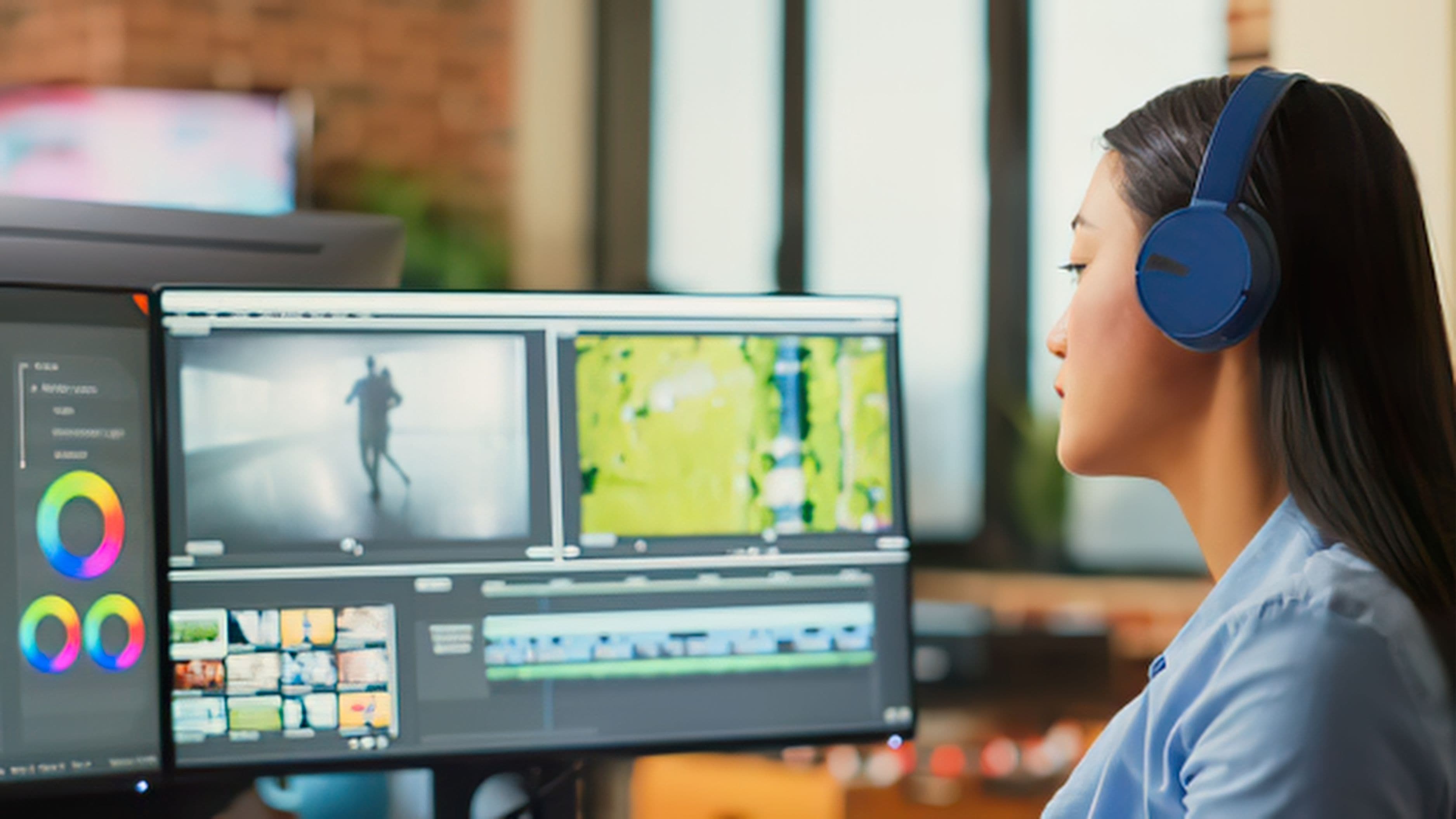
DaVinci Resolve's free version is remarkably capable, offering professional-grade color correction, multi-track editing, and audio tools that rival paid alternatives like Adobe Premiere Pro. It's used in some professional film and television production, which says a lot about how far the free tier actually goes.
Why it matters: this is one of the clearest cases where a free tool doesn't feel like a downgrade at all for the vast majority of users, including many professional-level projects.
The learning curve is steeper than more consumer-friendly editors, and some advanced features are reserved for the paid Studio version, though most everyday editing needs are fully covered for free.
Office Suites: LibreOffice and Google Docs Instead of Microsoft Office
Microsoft 365 subscriptions add up over time, and for most document, spreadsheet, and presentation needs, LibreOffice provides a genuinely full-featured, completely free alternative that runs locally on your computer without any subscription. Google Docs and Sheets offer a cloud-based alternative with strong real-time collaboration features that many teams actually prefer over Microsoft's tools.
Why it matters: unless you rely on very specific advanced Excel macros or enterprise-level integrations, most people can eliminate an Office subscription entirely without losing meaningful functionality.
Formatting compatibility between LibreOffice and Microsoft file formats isn't always perfect, so complex documents shared with Office users occasionally show minor layout shifts.
Password Management: Bitwarden Instead of 1Password
Bitwarden's free tier includes unlimited password storage, cross-device syncing, and solid security practices, covering what most people actually need from a password manager without a subscription fee. It's also open-source, which means its security practices are publicly auditable rather than a black box.
Why it matters: password management is a category where the free tier genuinely matches the core functionality of premium competitors like 1Password for individual users.
Advanced features like more detailed sharing permissions for teams or built-in VPN bundles are reserved for paid tiers, which matters more for business use cases than individual users.
Note-Taking: Obsidian and Notion (Free Tier) Instead of Evernote
Evernote's free tier has grown increasingly limited over time, pushing more casual users toward its paid plans. Obsidian offers a powerful, fully local note-taking system with a free personal use license and a plugin ecosystem that rivals many paid tools. Notion's generous free tier, meanwhile, covers robust databases, task management, and collaborative notes for individuals and small teams.
Why it matters: this is a category where the paid incumbent has actually gotten less generous over time, making the free alternatives more attractive by comparison rather than less.
Obsidian's local-first approach means less built-in collaboration support compared to Notion, so the right choice depends on whether you're working solo or with a team.
PDF Editing: PDF-XChange Editor and Smallpdf Instead of Adobe Acrobat
Adobe Acrobat's subscription cost surprises a lot of people who only occasionally need to edit or sign PDFs. PDF-XChange Editor's free version covers annotation, form filling, and basic editing on Windows, while Smallpdf's free web tools handle occasional merging, compressing, and converting tasks without any installation at all.
Why it matters: unless you're editing PDFs constantly as part of your job, a full Acrobat subscription is often unnecessary for the occasional tasks most people actually need.
Free tiers usually cap the number of tasks you can perform per day or month, which matters if you have high-volume PDF needs.
Cloud Storage: MEGA and Google Drive's Free Tier Instead of Paid Dropbox Plans
Dropbox's free tier has shrunk considerably over the years, pushing many users toward paid plans faster than necessary. MEGA offers a generous free storage allowance with strong end-to-end encryption, while Google Drive's free tier remains a solid, widely compatible option for everyday file storage and sharing.
Why it matters: storage needs for most casual users are modest enough that a well-chosen free tier easily covers typical usage without triggering an unnecessary subscription.
Heavy users with large media libraries or business-level storage needs will eventually outgrow free tiers regardless of which provider they choose.
Realistic Expectations
Free alternatives genuinely close the gap for most everyday use cases, but they don't universally replace every advanced, specialized, or enterprise feature of their paid counterparts. The right approach is auditing your actual usage honestly, if you're paying for a premium feature you never touch, that's the clearest signal you can safely switch to a free alternative without losing anything that matters to your workflow.
What to Avoid
Don't switch tools abruptly for critical, ongoing work without testing the free alternative thoroughly first, since compatibility issues can disrupt a project midstream. Avoid choosing a free tool purely based on price without checking whether its specific feature set actually covers your real needs, since the cheapest option isn't helpful if it forces you to work around missing functionality. And be cautious with lesser-known free software from unclear sources, stick to well-established, widely reviewed tools with active development and a track record of security.
FAQ
Are free software alternatives safe to use for sensitive work? Established tools like LibreOffice, Bitwarden, and DaVinci Resolve have strong track records and active development, making them reasonably safe choices. Always download software directly from the official source to avoid compromised versions.
Will switching to free tools hurt compatibility with coworkers using paid software? For most document types, compatibility is strong but not perfect, complex formatting occasionally shifts when moving between formats like Microsoft Office and LibreOffice. Test with a real file before committing to a full switch for team collaboration.
Is it worth paying for premium software at all? Yes, in specific cases where you rely heavily on advanced features, professional support, or enterprise-level integrations that free tiers genuinely don't match. The goal isn't eliminating every paid subscription, it's cutting the ones you're not actually using to their full value.
📚 Sources
GIMP Official Documentation: https://www.gimp.org/docs/
DaVinci Resolve Free vs Studio Comparison: https://www.blackmagicdesign.com/products/davinciresolve/