
The good news is that the actual toolkit isn't that complicated. Most of it comes down to getting a handful of categories right: communication, file access, security, focus, and the physical layer that makes all of it usable. Here's what actually matters, stripped of the noise.
Communication: The Category That Makes or Breaks Everything
If remote work has a single most critical category, it's communication. In an office, friction is low – you tap someone on the shoulder, pop into a room, read a face. Remote strips all of that away and replaces it with tools that have to work reliably, every time.
Async Messaging
Slack and Microsoft Teams dominate this space, and both work well for different environments. Slack tends to be the default for startups and tech-forward teams; Teams is deeply integrated into Microsoft 365 and makes more sense if your organization is already in that ecosystem.
The platform matters less than how your team uses it – clear channel structure, threading discipline, and response norms matter far more than which tool you're in. Discord has also made a serious push into professional remote work, particularly for smaller teams and creators, offering surprisingly capable voice and text channels at no cost.
Video Calls
Zoom remains the most reliable option for video calls at scale, with consistent audio quality, a solid free tier, and broad compatibility. Google Meet has improved meaningfully and is the path of least resistance for anyone already in Google Workspace. If your team is Microsoft-native, Teams handles video calls well enough that you may not need anything else. What to watch out for: call fatigue is a documented phenomenon, not just a complaint. Defaulting to async communication wherever possible – a Loom video instead of a meeting, a voice note instead of a call – makes remote work significantly more sustainable.
Why It Matters
Communication tools are the connective tissue of remote work. A weak or fragmented setup here bleeds into every other part of how you work. Teams that use three different messaging platforms "depending on the situation" spend real cognitive energy just figuring out where to look – which is friction you can't afford when you're already coordinating across time zones and home offices.
File Storage and Collaboration: Where Your Work Actually Lives
The question isn't really whether to use cloud storage – it's which ecosystem makes sense for your workflow and whether it's set up in a way that your whole team can actually navigate.
Google Drive with Google Docs, Sheets, and Slides is the easiest option for real-time collaboration. The editing experience is seamless, version history is automatic, and sharing is frictionless. Microsoft OneDrive paired with Office 365 is the enterprise-grade equivalent – stronger for teams that need Excel's full power or complex Word formatting, and it integrates tightly with Teams. Notion has carved out a strong niche as a hybrid between documentation and project management: it handles wikis, notes, databases, and lightweight project tracking in one place, which reduces the number of tools a team needs overall.
For design-heavy teams, Figma changed the game on collaborative design work. Multiple people editing the same file in real-time, with commenting, version control, and handoff features built in – it's become the standard for a reason.
Why It Matters
File access problems – documents in the wrong place, version conflicts, sharing permission errors – are invisible taxes on remote productivity. Getting this right creates a single source of truth that anyone on the team can trust, which eliminates a surprising amount of daily back-and-forth.
Project Management: Making Work Visible
In an office, work visibility is partly ambient – you see who's at their desk, what's on the whiteboard, what people are talking about in the hallway. Remote removes all of that, which means intentional project management becomes non-negotiable rather than optional.
Notion handles this well for smaller teams or individuals who prefer a flexible, document-driven setup. Linear has become the preferred choice for engineering teams – it's fast, opinionated, and designed around the way developers actually think about work. Asana and Trello are strong options for non-technical teams that need clear task assignment, due dates, and progress tracking without a steep learning curve. ClickUp tries to do everything and succeeds reasonably well if you're willing to invest time in configuring it. Basecamp is worth mentioning for teams that have struggled with over-tool-ification – it deliberately limits features to reduce noise.
The specific tool matters less than picking one and actually using it consistently. A project management system that's partially adopted is worse than no system at all, because it creates a false sense of organization while real work continues to happen in inboxes and chat threads.
Why It Matters
Project management tools are how remote teams make promises to each other visible. When everyone can see what's in progress, what's blocked, and what's coming next, the team stops depending on individual heroics and status update meetings to stay aligned.
Security: The Part Most Remote Workers Underinvest In
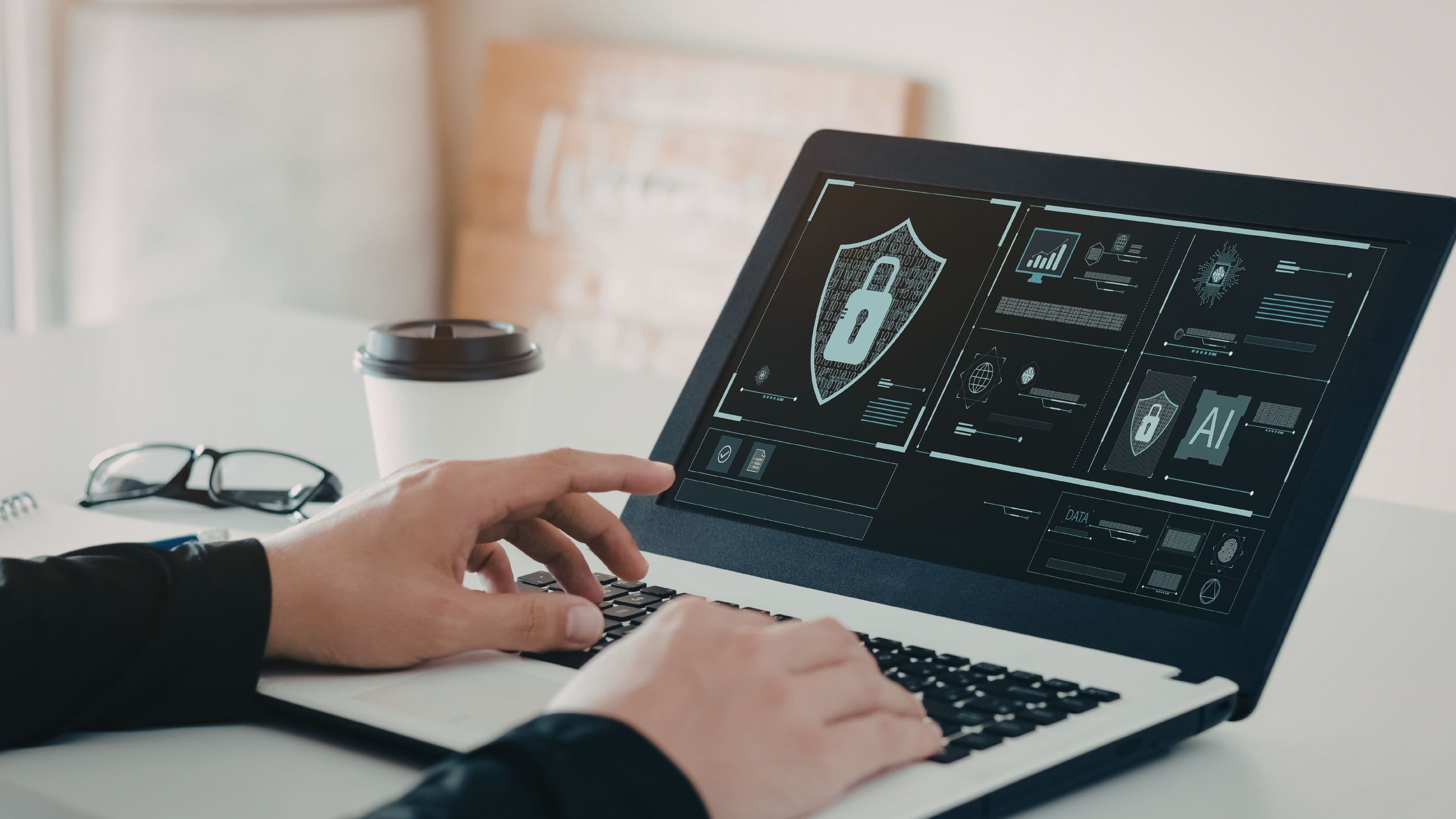
Home networks aren't corporate networks. They typically lack the security controls, monitoring, and access management that IT departments run in office environments. Remote workers – especially those handling sensitive data or client information – are operating in a fundamentally less secure environment, and most don't think much about it.
VPN
A VPN (Virtual Private Network) encrypts your internet traffic and masks your IP address, which matters most when you're connecting from public networks. For fully remote workers on home networks, a VPN is good practice rather than strictly essential – but it becomes critical the moment you're working from a coffee shop, hotel, or shared workspace. NordVPN, ExpressVPN, and Mullvad are well-regarded consumer options. If your company has an enterprise VPN, use that instead.
Password Management
Using the same password across multiple accounts is one of the most common and most consequential security mistakes remote workers make. A password manager like 1Password or Bitwarden generates and stores unique, complex passwords for every account, autofills them across devices, and alerts you to compromised credentials. 1Password has a strong team plan designed specifically for distributed workplaces. Bitwarden is open-source, audited, and free for individuals – genuinely one of the best free tools in any category.
Two-Factor Authentication
Every tool in your stack that supports two-factor authentication (2FA) should have it enabled. An authenticator app – Google Authenticator, Authy, or the 2FA feature built into 1Password – is significantly more secure than SMS-based codes, which are vulnerable to SIM-swapping attacks. This takes about ten minutes to set up across your main accounts and eliminates a major attack surface.
Why It Matters
Remote work has expanded the cybersecurity attack surface enormously. A 2023 report from IBM found that the average cost of a data breach reached $4.45 million globally – and remote work environments were a contributing factor in a significant share of incidents. Security isn't where you want to be the weak link.
Focus and Time Management: The Underrated Layer
No amount of great tooling compensates for an inability to actually get work done. Remote work removes most of the external structure that an office provides – commutes, meeting anchors, social accountability – and replaces it with an environment full of distractions and autonomy. For some people, that's a gift. For many, it's a slow productivity drain that they don't fully notice.
A time-blocking system – whether in Google Calendar, Fantastical, or even a paper notebook – creates intentional structure around your day. Blocking specific hours for deep work, communication, and admin keeps you from spending the whole day in reactive mode. Toggl Track or Clockify can add data to the picture, showing where your hours actually went versus where you intended them to go. That gap is often illuminating.
For blocking distractions during focused work, Freedom and Cold Turkey are the two most widely used tools. Both let you schedule blocks during which specific sites and apps are inaccessible across all your devices. The difference between having these tools and not having them is larger than most people expect.
Why It Matters
Async work means you have more control over your schedule – but control without structure often defaults to busyness rather than productivity. The people who thrive in remote environments tend to be deliberate about their calendars, protective of their focus time, and systematic about separating work from non-work.
The Physical Layer: Hardware That Doesn't Fight You
Software tools get most of the attention in remote work conversations, but the hardware layer determines how all of it actually feels. A laggy computer, a terrible webcam, or a desk chair that destroys your back will undermine every other part of your setup.
Internet connection is the foundation. If you're having recurring call quality issues, an upload speed test is where to start – video calls are upload-heavy, and many residential connections have asymmetric speeds that look fine on paper but perform poorly in practice. A wired Ethernet connection eliminates most variability if Wi-Fi is inconsistent.
A dedicated monitor – even a single 27-inch external display – dramatically changes the quality of a working day. Having enough screen real estate to keep reference material and active work visible simultaneously reduces the friction of context-switching in ways that are hard to appreciate until you experience the difference.
A decent headset or microphone matters more than most people realize. Your webcam video quality affects how you're perceived; your audio quality affects whether people can actually understand you. A USB condenser microphone like the Blue Yeti or a quality headset like the Jabra Evolve series does more for your meeting presence than almost anything else.
An ergonomic chair and adjustable desk setup rounds it out. Back pain, wrist strain, and eye fatigue are occupational hazards of remote work done wrong. An investment in ergonomics returns itself quickly in sustained energy and reduced discomfort over a full working day.
Key Takeaway
The fully remote toolkit isn't a single product or a giant software subscription. It's a considered set of choices across communication, collaboration, security, focus, and hardware – each one reinforcing the others. The teams and individuals who do remote work well aren't necessarily using the most tools; they're using a well-chosen, well-integrated set of them consistently.
Start with what's broken in your current setup. If calls are dropping, fix the network first. If you're losing things in chat, fix the file system. If you can't focus, address the distraction layer. Build from the most painful point outward, and the rest follows naturally.
Frequently Asked Questions
Do I need to pay for all of these tools? No. Several of the best tools in each category have genuinely functional free tiers. Google Drive, Notion (personal), Bitwarden, Toggl Track, Discord, and Google Meet all offer meaningful value at no cost. Start free, pay only when you hit a real limitation.
What's the minimum viable remote setup for a freelancer? For a solo freelancer: a reliable video call tool (Zoom or Google Meet), cloud storage (Google Drive), a password manager (Bitwarden), and a decent headset. Everything else can be added as the work demands it.
Is a VPN essential for home-based remote work? For home network use, it's more good practice than a hard requirement. It becomes significantly more important the moment you work from public networks. Many employers mandate VPN use regardless of location as a baseline policy.
How do I get my team to actually use the project management tool? Adoption is an organizational challenge more than a technical one. The key is leadership modeling consistent use, removing older parallel systems (email threads for task management, chat for decisions that belong in the PM tool), and starting simple rather than configuring every feature at once.
What's the single most impactful upgrade for a remote setup? For most people, it's the internet connection or a second monitor – whichever is currently the bigger friction point. After that, audio quality. These physical layer improvements tend to have more daily impact than switching between software tools.
📚 Sources
IBM Security – Cost of a Data Breach Report 2023: https://www.ibm.com/reports/data-breach
Microsoft – Microsoft Teams vs. Slack Feature Comparison: https://www.microsoft.com/en-us/microsoft-teams/compare-microsoft-teams-options
Bitwarden – Open Source Password Manager Security Audit: https://bitwarden.com/blog/third-party-security-audit
Stanford – Research on Zoom Fatigue and Video Call Burnout: https://news.stanford.edu/2021/02/23/four-causes-zoom-fatigue-solutions
Loom – Async Video Communication for Remote Teams: https://www.loom.com/blog/async-video-communication
1Password – Business and Teams Password Management: https://1password.com/teams
Toggl Track – Time Tracking for Remote Workers: https://toggl.com/track