
But what exactly is a passkey? And is it ready to replace passwords in your actual life, or is it just another tech promise that sounds cleaner than it is in practice? Let's break it down.
The Problem With Passwords (That Everyone Just Accepts)
Before getting into passkeys, it helps to acknowledge how genuinely bad the password system is. The average person manages dozens of online accounts, and the recommended security practice – a long, unique, random password for every single one – is essentially impossible to maintain without a password manager. Most people don't use one, so they reuse passwords, choose weak ones, or both.
That's why data breaches are so damaging. When a site gets hacked and its password database leaks, attackers don't just get access to that one site – they run the leaked credentials against every major platform they can, betting you used the same password elsewhere. More often than not, they're right. It's called credential stuffing, and it works at enormous scale precisely because the password system depends entirely on human behaviour being flawless.
Phishing is the other major problem. A well-crafted fake login page can trick even cautious users into entering their credentials. No matter how strong your password is, if you type it into the wrong site, it's gone.
So What Is A Passkey, Exactly?
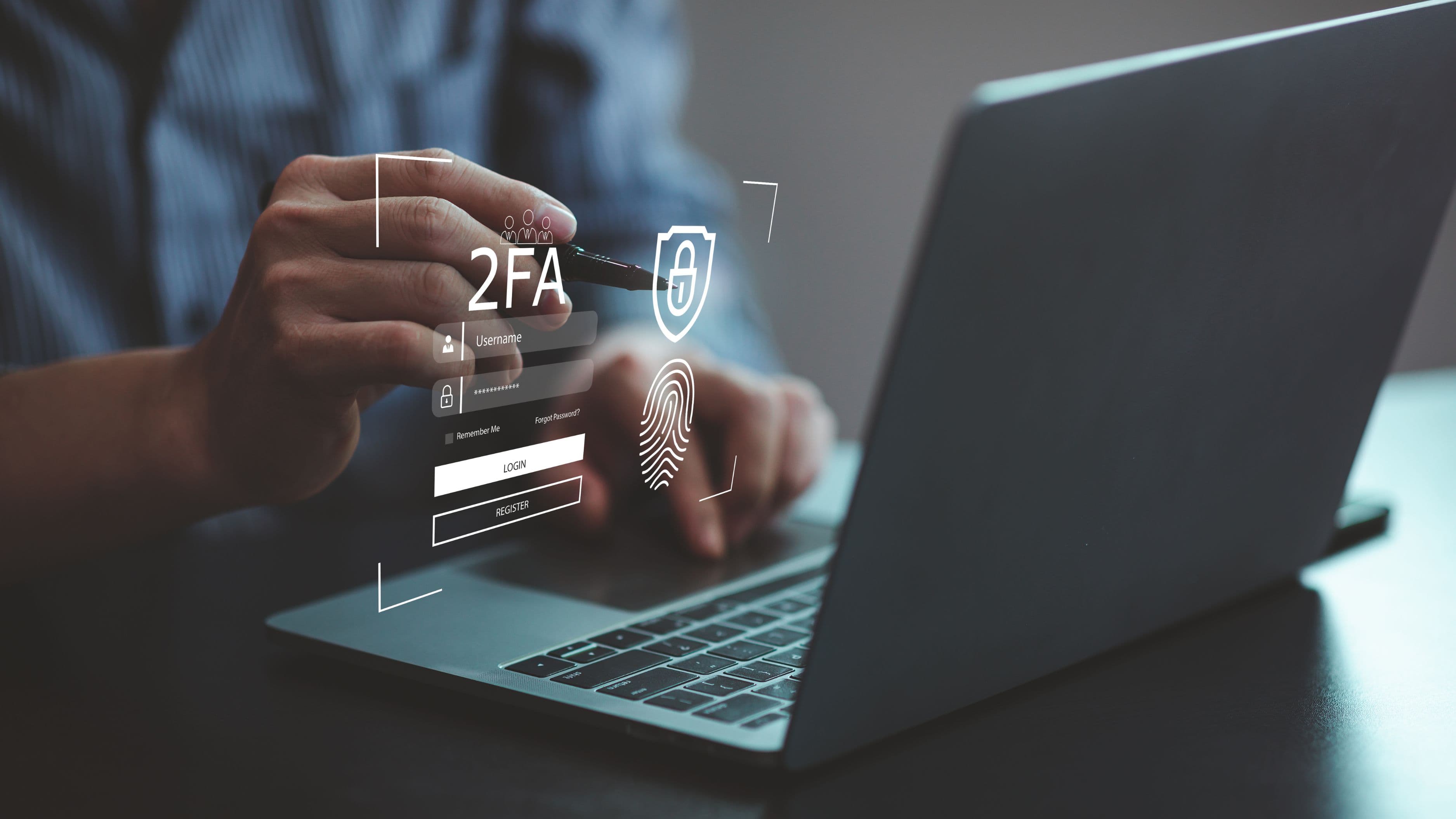
A passkey is a login credential that doesn't involve a password at all. Instead of typing something you know, you authenticate using something you have – specifically, your device – combined with something you are, like your fingerprint or face.
Here's the simplified version of how it works: when you create a passkey for a site, your device generates two mathematically linked keys – a public key that gets stored on the website's server, and a private key that stays locked on your device and never leaves it. When you go to log in, the site sends a challenge to your device. Your device uses your private key to solve it, proves you're you via biometrics or PIN, and sends back a signed response. The site verifies it using the public key it already has. Authentication complete – no password transmitted, no secret to steal.
This model is called public-key cryptography, and it's not new – it's what secures HTTPS connections and SSH access. What's new is that it's been packaged into a consumer-friendly standard called FIDO2/WebAuthn, backed by Apple, Google, and Microsoft, and is now being rolled out broadly across major platforms.
Why Passkeys Are Genuinely More Secure
The security advantages of passkeys aren't marketing spin – they follow directly from the structure of how they work.
Phishing becomes nearly impossible. Your private key is cryptographically tied to the specific domain it was created for. If you try to log in on a fake site impersonating your bank, your device won't respond – the domain doesn't match, and authentication simply fails. There's nothing to steal because nothing gets entered.
Data breaches stop mattering (for login purposes). Websites only store your public key. Even if a company's entire database leaks, there's no usable credential in it. The private key that would complete the authentication never left your device.
No shared secrets means nothing to intercept. Traditional password authentication involves the server receiving and checking something you sent. That creates interception points. With passkeys, only a cryptographic signature is transmitted – mathematically useless without the private key that created it.
Brute-forcing doesn't apply. There's no password to guess. The private key is extremely long and random by design, generated by your device, and never exposed.
How Passkeys Actually Work In Practice
The experience of using a passkey is – and this is the part that tends to surprise people – simpler than typing a password, not more complicated.
You visit a site that supports passkeys, choose to create one, and your device prompts you for your biometric or PIN (the same unlock method you already use for your phone or laptop). That's it. The passkey is created and stored. Next time you visit, you tap "sign in with passkey," confirm with your fingerprint or face, and you're in. The whole thing takes a few seconds and requires zero memory.
Passkeys sync across your devices through your platform's cloud ecosystem – iCloud Keychain for Apple users, Google Password Manager for Android and Chrome users, and increasingly through third-party password managers like 1Password and Bitwarden. This means if you create a passkey on your iPhone, you can use it on your iPad and Mac too. Cross-platform use is getting better but is still a work in progress in some scenarios.
Who's Already Supporting Passkeys?
Adoption has accelerated significantly. As of 2024 and into 2025, passkeys are supported by a growing list of major services including Google, Apple ID, Microsoft accounts, GitHub, Shopify, PayPal, Amazon, WhatsApp, X (formerly Twitter), and many others. The FIDO Alliance maintains a public directory of services that have implemented the standard.
Operating system support is solid across the board: iOS 16+, macOS Ventura+, Android 9+, and Windows 10+ all support passkeys natively. Most modern browsers – Chrome, Safari, Firefox, Edge – handle them without plugins or extensions.
The weak link right now is fragmentation. Not every site supports passkeys yet, and the experience varies slightly depending on which ecosystem you're in. Cross-device login – say, using your phone as the authenticator for a laptop that doesn't have your passkey stored – works but requires an extra step (usually scanning a QR code or using Bluetooth proximity). It's functional, but it's not the seamless experience passkey supporters ultimately want it to be.
What About Password Managers – Are They Still Relevant?
Yes, for now. Password managers aren't obsolete yet because not every site supports passkeys, and many people have years of existing accounts they're not about to migrate overnight. A good password manager remains one of the most practical security tools available for the near term.
What's interesting is that password managers are increasingly doubling as passkey managers. Apps like 1Password and Bitwarden now store and sync passkeys in addition to passwords, which means you don't have to choose between the two systems or depend entirely on Apple or Google's ecosystem to make passkeys portable. This is probably the most practical setup for now: use passkeys wherever they're available, let your password manager handle the rest, and gradually reduce your dependency on passwords over time as support expands.
The Remaining Limitations Worth Knowing
Passkeys aren't a perfect, frictionless replacement for passwords in every situation yet, and being honest about that matters.
Account recovery can be complicated. If you lose access to your device and don't have a backup method set up, recovering an account protected only by a passkey can be tricky. Different platforms handle this differently – some offer recovery codes, some fall back to email, some require identity verification. It's worth understanding your recovery options before relying on passkeys for critical accounts.
Not all sites support them yet. Plenty of smaller websites, older systems, and business applications haven't implemented passkeys. You'll still need passwords for a significant portion of your digital life for the foreseeable future.
Cross-platform complexity still exists. If you're deep in the Apple ecosystem, passkeys feel seamless. If you mix Apple, Windows, and Android devices daily, the experience is functional but occasionally requires extra steps. This will improve, but it's the current reality.
Shared account access is awkward. Passkeys are tied to individual devices and biometrics by design, which makes sharing logins – for streaming services, family accounts, etc. – less straightforward than just handing someone a password.
Is It Time To Ditch Passwords?
Not entirely, not yet – but the direction is clear and passkeys are worth adopting wherever you can.
The honest framing is this: we're in a transition period. Passkeys are meaningfully better than passwords from a security standpoint, and the experience is already smoother on major platforms with strong passkey support. For your most important accounts – email, banking, Apple ID or Google account, GitHub, any account linked to your identity or finances – switching to a passkey now is a sensible move that you'll likely not regret.
For everything else, a good password manager with strong, unique passwords remains the practical choice until the ecosystem catches up. The goal isn't to eliminate passwords overnight; it's to reduce your dependence on them steadily, starting with the accounts that matter most.
Passwords have dominated online security for decades not because they're good, but because nothing better had achieved the right combination of simplicity and broad support. Passkeys are getting there. If you haven't tried one yet, the next time a major site prompts you to set one up, it's worth saying yes.
FAQ
Are passkeys stored in the cloud? Yes, typically – they sync through your platform's cloud service (iCloud Keychain, Google Password Manager, etc.) or a third-party password manager. Your private key is encrypted before leaving your device, so even the cloud service can't use it directly.
What happens if I lose my phone? If your passkeys are synced through iCloud or Google, they're recoverable when you restore your account to a new device. If you're using an unsynced hardware key, loss is more serious. Most platforms recommend setting up backup authentication methods just in case.
Can someone with my fingerprint or face unlock my passkeys? In theory, biometric spoofing exists, but it's extremely difficult in practice – far harder than stealing a password through phishing or a data breach. The combination of biometrics plus physical device access makes passkey theft a much more involved attack.
Do passkeys work offline? The biometric verification step works offline – it happens on your device. The actual login requires a connection to the site you're authenticating with, but you don't need internet access to complete the local authentication part.
What if a website I use doesn't support passkeys yet? Keep using your password manager for that account. Passkeys are backward compatible with passwords – there's no need to abandon your existing setup. You simply use passkeys where they're available and passwords where they're not.
📚 Sources
FIDO Alliance – What are passkeys?: https://fidoalliance.org/passkeys/
Apple – About the security of passkeys: https://support.apple.com/en-us/102195
Google – Sign in with a passkey instead of a password: https://support.google.com/accounts/answer/13548354
1Password – Passkeys support and how they work: https://blog.1password.com/passkeys-faq/
WebAuthn specification overview – W3C: https://www.w3.org/TR/webauthn-2/
Bitwarden – Passkeys: What they are and how to use them: https://bitwarden.com/blog/passkeys-what-they-are-and-how-to-use-them/